

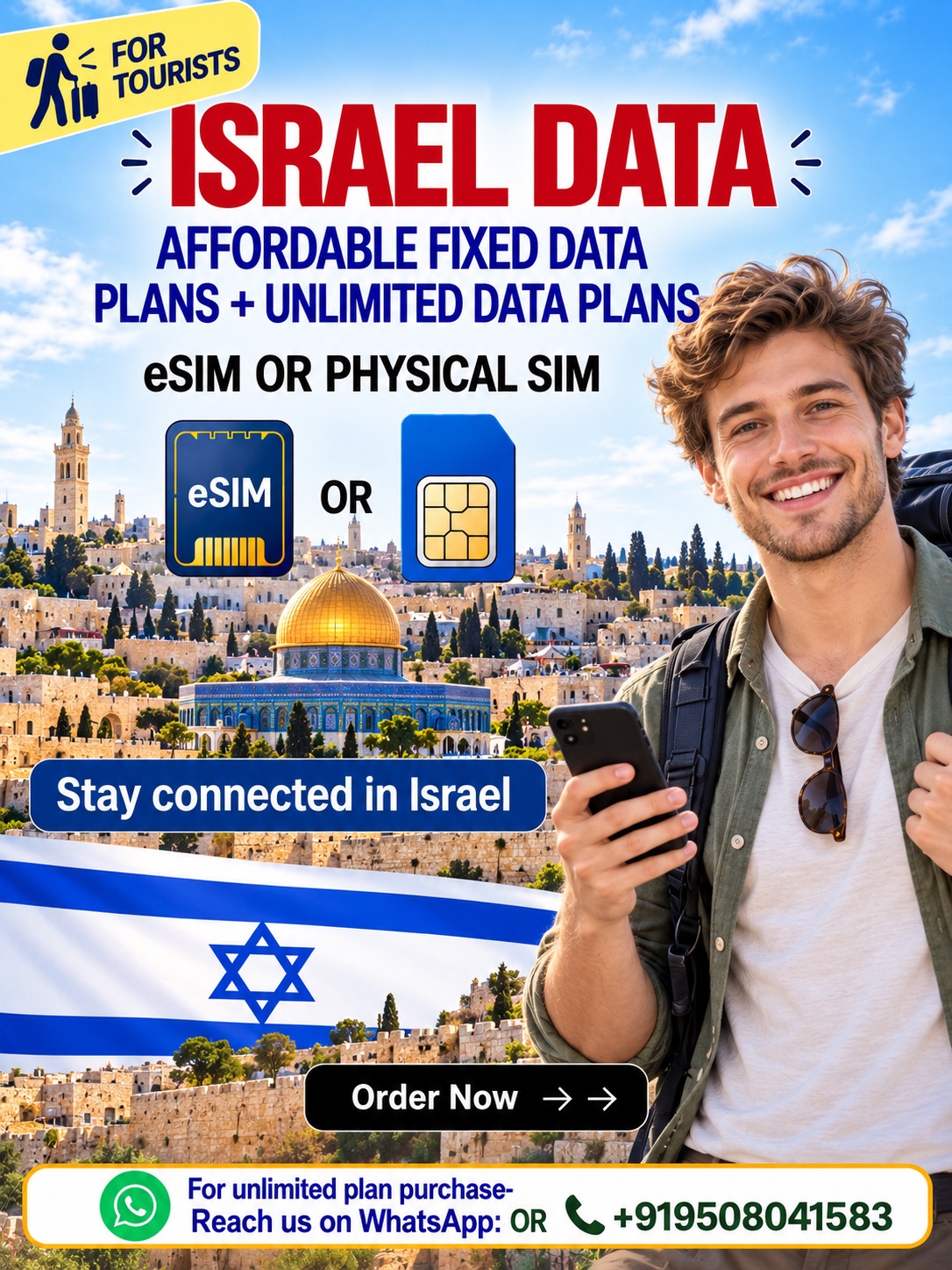
Stay Connected in Israel with Hubbing Ecom
Choose an Israel Data eSIM or Israel Physical Data SIM card for your next trip. With Hubbing Ecom, compare travel data options before checkout. Then use your connection for maps, messages, and bookings. Your Israel travel SIM should match your phone and itinerary.
An Israel eSIM offers digital installation on a compatible, unlocked device. Alternatively, an Israel data SIM suits phones that accept physical cards. Choose an Israel SIM card for tourists according to your needs. However, check the selected package before you complete your purchase.
Why Choose Our Israel Data eSIM and Physical SIM?
Keep your travel connection separate from your everyday mobile plan. For example, use data for hotel messages and route planning. An Israel Data eSIM avoids handling a removable card. Meanwhile, an Israel Physical Data SIM card offers another option for a compatible phone.
Explore Israel with the Right Travel Data Plan
Plan your connection around your actual Israel itinerary, not general coverage promises. For example, ask about service around Tel Aviv and Jerusalem. Also, confirm coverage for every overnight stop. Your Israel travel SIM needs the right destination list before you cross any border.
Israel eSIM vs Physical Data SIM: Which Should You Choose?
Choose an Israel eSIM when your phone supports digital SIM installation. Otherwise, consider an Israel Physical Data SIM card for suitable devices. Both options focus on mobile internet rather than traditional calling. However, compare delivery, compatibility, and package conditions before choosing your format.
| Feature | Israel data eSIM | Israel physical data SIM |
| Installation | Digital installation on supported phones | Insert a compatible physical card |
| Device requirement | Unlocked phone with eSIM support | Unlocked phone with a suitable SIM slot |
| Delivery | Confirm digital delivery and processing | Confirm dispatch and delivery availability |
| Mobile internet | Use the selected data package | Use the selected data package |
| Traditional calls and SMS | Not included in these data plans | Not included in these data plans |
| Hotspot use | Check package permission | Check package permission |
| Best fit | Travelers who prefer digital setup | Travelers who need a removable SIM |
How to Activate Your Israel Data eSIM or Physical SIM
First, check your device and read the instructions for your selected package. Then install your Israel Data eSIM using the supplied installation method. Alternatively, insert your physical card according to its instructions. Finally, select the travel line for mobile data and test connectivity.
Installation and validity can follow different triggers, depending on the package. Therefore, check the activation rule before installing or inserting your SIM. Enable travel-line roaming only when your instructions require it. Meanwhile, disable home-line data roaming to help avoid unwanted home-carrier data charges.
Choose Your Israel Data Plan
Match your Israel data SIM to your trip length and daily usage. For example, video calls usually need more data than short messages. Compare capped and unlimited options only when checkout lists them. However, read speed limits and fair-use terms before choosing either.
| Comparison | Capped data package | Unlimited package, when listed |
| Data allowance | Specified amount in the listing | Check the exact unlimited-data terms |
| High-speed usage | Check allowance and speed conditions | Check any high-speed fair-use threshold |
| After heavy usage | Check exhaustion and renewal terms | Check reduced-speed and reset rules |
| Hotspot sharing | Only when the package permits it | Only when the package permits it |
| Validity | Check duration and activation trigger | Check duration and activation trigger |
| Before ordering | Match allowance to expected usage | Check fair use, speeds, and tethering |
Documents Required After Purchase
After purchase, send your visa, passport, and ticket copies to admin@hubbingecom.com. Alternatively, WhatsApp these documents to +919508041583 for Hubbing Ecom support. Include your order number so our team can identify your purchase. Also, contact us first if your visa status needs clarification.
Travel with Symbaa and Hubbing Ecom
Symbaa is Hubbing Ecom’s live travel eSIM application for international connectivity. Use the app to explore the travel eSIM options currently available. Also, check your selected package before you order. For physical SIM enquiries, contact Hubbing Ecom and confirm delivery arrangements before travel.
Frequently asked questions(FAQs)
2. What is Symbaa, and what does it do?
Symbaa is Hubbing Ecom’s travel eSIM application, and the app is already live. It helps travelers explore international travel eSIM options. Also, review the Israel package information before ordering. For physical SIM requirements, contact Hubbing Ecom rather than assuming app features cover delivery.
3. Which Israeli network will I use?
Your selected package determines the available network, so check its listing before purchase. Hubbing Ecom can clarify the current partner network. However, do not assume every package uses the same operator. Also, request coverage details for the places you actually plan to visit.
4. Will my phone support an Israel eSIM?
Check your exact phone model, regional version, and carrier lock before ordering. Your Israel eSIM needs a compatible, unlocked device. Also, check whether your settings include an option for adding an eSIM. Otherwise, ask Hubbing Ecom about a suitable physical SIM option instead.
5. Which phones can use the physical SIM?
Your phone needs a compatible SIM slot, network support, and an unlocked connection. Therefore, confirm its exact model before ordering. An Israel data SIM cannot solve an incompatible device issue. Also, check the required card size and delivery arrangements with Hubbing Ecom first.
6. How do I install and activate my eSIM?
First, connect your compatible phone to reliable internet and open the supplied instructions. Then use the provided eSIM installation method. Select the new line for mobile data when your instructions require activation. Also, check the validity trigger before installing your Israel travel SIM.
7. How do I activate the physical data SIM?
First, follow the supplied card instructions and insert the SIM into your compatible phone. Then select its line for mobile data. Apply any APN settings that your package requires. Finally, check activation timing and test your connection where the selected package provides service.
8. Should I install my eSIM before traveling?
Read your package instructions before installing, because installation may affect its validity period. Some packages follow a different activation trigger. Therefore, ask Hubbing Ecom to confirm your exact start rule. Also, keep your installation details accessible without assuming early installation always preserves validity.
9. When does my plan validity start?
Your selected package defines when its validity starts and when it ends. Therefore, check that rule before activating either format. Do not assume arrival automatically starts every plan. Also, ask how the supplier counts days if your arrival falls near a date change.
10. Do these data plans support PSTN calls or SMS?
These data plans do not provide traditional PSTN calling or standard SMS service. However, internet apps can support messages and calls using data. PSTN means the traditional telephone network. Therefore, keep another suitable service if you need ordinary telephone calls or carrier text messages.
11. Can I use WhatsApp and other internet apps?
You can use internet apps when your travel data connection works. For example, WhatsApp supports online messages and calls. However, apps may require separate account verification. Also, an Israel SIM card for tourists does not replace your number for ordinary calls or SMS.
12. Can I keep my home SIM active?
Compatible dual-SIM phones can keep a home line alongside a travel line. However, your home carrier may charge for its services. Select your Israel data SIM for mobile internet. Also, review home-line roaming and automatic data switching before you use both lines together.
13. Will I receive banking OTP messages?
Your data-only travel plan does not receive ordinary carrier SMS verification messages. Therefore, keep your existing number available when your bank requires it. Check home-carrier roaming support and charges before departure. Also, arrange alternative bank verification methods when your bank offers suitable options.
14. Should I enable data roaming?
Follow your package instructions, because some travel connections require roaming on the travel line. Your home line needs separate attention. Therefore, disable home-line data roaming if you want to avoid its data charges. Also, check which line your phone currently uses for internet.
15. Do I need to change APN settings?
Some packages need specific APN settings, while others configure the connection automatically. Therefore, use only the details supplied for your order. Do not copy settings from unrelated plans. Also, contact Hubbing Ecom if your eSIM or physical SIM cannot connect after correct setup.
16. Can I share data through a hotspot?
Hotspot access depends on your selected package, phone, and supplier restrictions. Therefore, confirm tethering permission before ordering an Israel eSIM. Do not assume unlimited data includes unrestricted sharing. Also, remember that connected laptops and tablets can consume your available data much more quickly.
In most of the cases hotspot or tethering are allowed but controlled from the local operator end, and not in control of Symbaa | Hubbing Ecom.
17. What does an unlimited data plan include?
An unlimited label does not necessarily promise unlimited full-speed data or unrestricted tethering. Therefore, read the exact package terms before purchase. Fair-use rules may reduce speeds after specified usage. Also, confirm any daily allowance, reset timing, and hotspot limits with Hubbing Ecom first.
18. How much data should I choose?
Match your Israel SIM card for tourists to your trip length and app usage. For example, video streaming consumes more than short text messages. An Israel SIM card for tourists should fit your routine. Also, use available Wi-Fi carefully and review app background-data settings before traveling.
19. Will my plan work throughout Israel?
Coverage depends on your package, partner network, location, and current operating conditions. Therefore, verify your intended stops before purchase. An Israel travel SIM does not guarantee service everywhere. Also, download essential information beforehand, because buildings, remote routes, and disruptions can affect mobile connectivity.
20. Will it work in Palestine or neighboring countries?
Do not assume an Israel package includes Palestine, Jordan, Egypt, or other destinations. Instead, check its explicit supported-country list before traveling. Ask Hubbing Ecom about your complete itinerary. Also, confirm each destination separately rather than treating nearby places as one shared coverage area.
21. Can I expect 4G or 5G speeds?
Your package, device, network, and location determine the connection technology you can access. Therefore, check the listing for supported speeds. Do not assume every Israel data SIM includes 5G. Also, congestion and signal conditions can affect performance even when your device supports faster service.
22. Which documents must I provide after purchase?
Send your visa, passport, and ticket copies to admin@hubbingecom.com after purchase. Alternatively, WhatsApp the documents to +919508041583. Include your order number so Hubbing Ecom can match your details. Also, ask our team what to submit if your visa situation differs from this requirement.
23. How will I receive my eSIM or physical SIM?
Confirm the eSIM delivery method and processing time for your selected order. Likewise, ask about physical SIM dispatch and delivery availability. Do not assume either format arrives immediately. Also, complete your document submission promptly and confirm delivery arrangements before you commit to travel dates.
24. Can I top up, transfer, or reinstall my plan?
These options depend on the supplier and your selected package conditions. Therefore, ask before relying on top-ups or moving between devices. Do not delete an installed eSIM without checking recovery options. Also, confirm replacement rules separately if your physical SIM needs another compatible phone.
25. What should I do if my connection fails?
First, check your selected data line, package validity, signal, and required roaming settings. Then review any supplied APN instructions. Contact Hubbing Ecom with your order number and relevant screenshots. Also, check purchase terms before requesting cancellation, replacement, or a refund for either SIM format.
Travelling beyond ISRAEL? Try our Data eSIM and Physical Data cards for travelers
Europe(works in 30+ countries) | France | Spain | Italy | Switzerland | Ireland | Greece | Poland | Russia | Austria | Czech Republic | Germany | UK | Norway | Denmark | Finland | Ireland | Netherlands | Belgium | Slovakia | Bulgaria | Croatia | Portugal | Cyprus | Estonia
Pilot/Airline Crew, Seafarers, Digital Nomads, Frequent travelers checkout these plans
Asia Plan(works in 20+ countries) | Global Plans(works in 120+ countries) | Latin America Plans(works in 25+ countries) | Africa Plans(works in 20+ countries) | Australia & New Zealand | USA & Canada | Global 100 Plans(works in 100 countries) | USA & Mexico
Download Symbaa
Subscribe to our YouTube channel and follow us on Instagram for more updates.







There are no reviews yet.