

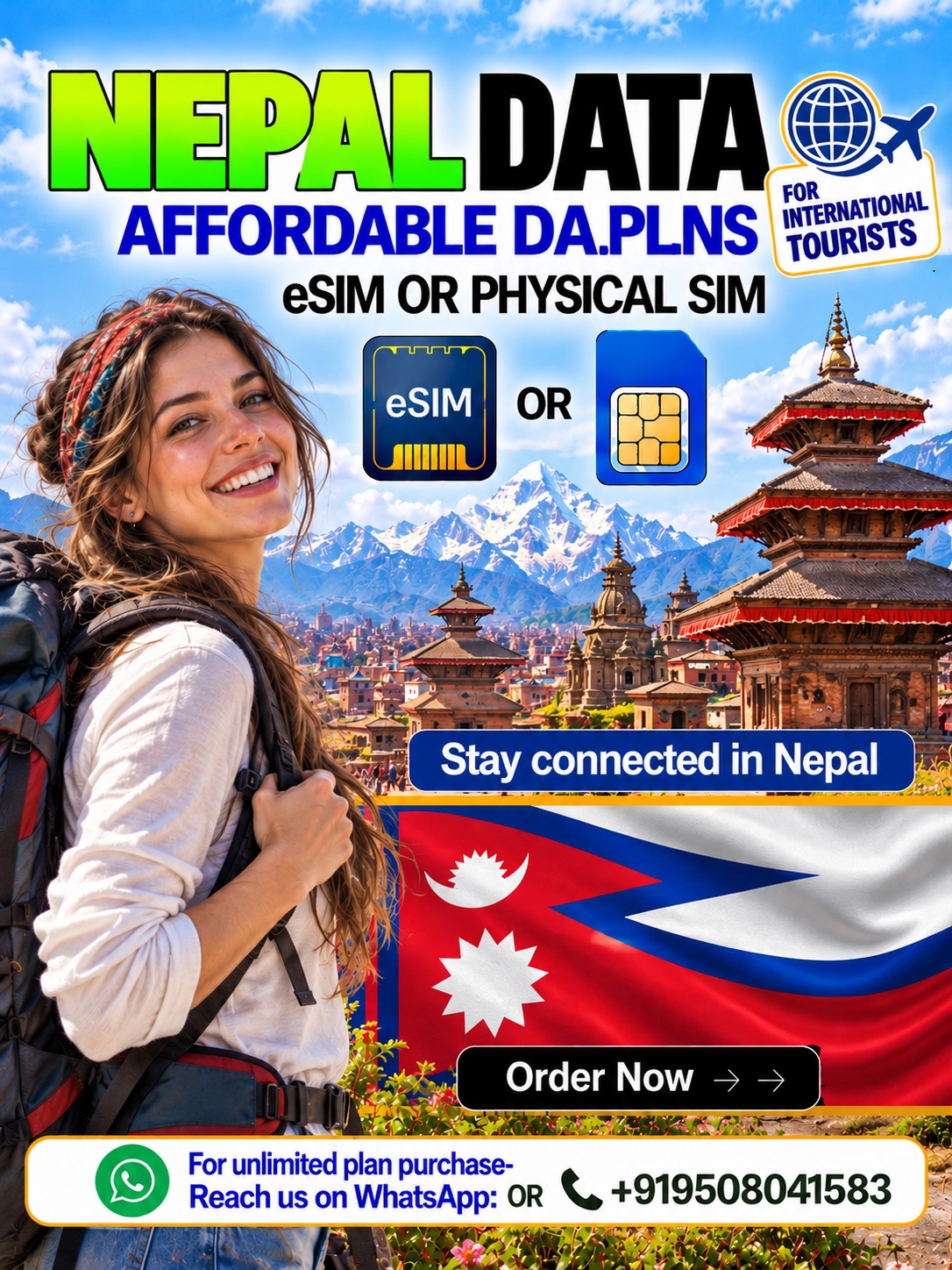
Nepal Data eSIM & Physical Data SIM Card for Travel
Explore Nepal with a Nepal Data eSIM from Hubbing Ecom and the Symbaa App. Alternatively, choose a Nepal Physical Data SIM card for a compatible unlocked phone. Both options provide travel data. Therefore, compare available allowances, validity periods, and coverage before choosing your plan.
Why Choose Our Nepal eSIM & Physical Data SIM?
A Nepal eSIM helps you arrange mobile data without replacing your regular SIM. Meanwhile, a Nepal data SIM offers another option when your phone lacks eSIM support. Choose your preferred format through Hubbing Ecom. Also, review device compatibility and package details before completing your purchase.
Stay Connected Across Nepal
Use your Nepal travel SIM for maps, messages, bookings, and everyday browsing wherever partner coverage reaches. However, mountain terrain can interrupt mobile service. Download essential maps before trekking. Similarly, save accommodation details offline, because remote valleys and higher trails may offer limited or no connectivity.
Compare Nepal Data eSIM and Physical Data SIM
Compare a Nepal Data eSIM with a Nepal Physical Data SIM card before selecting your package. First, check your phone model and network lock status. Then, review delivery arrangements and setup instructions. Both formats need compatible devices, so choose the option that suits your travel preparations.
| Feature | Nepal Data eSIM | Nepal Physical Data SIM card |
| Device requirement | Compatible, network-unlocked eSIM phone | Compatible, network-unlocked phone with SIM slot |
| Setup | Supplied QR code or manual profile details | Insert card; follow supplied setup instructions |
| Delivery | Confirm digital delivery after required processing | Confirm dispatch, address, and delivery timing |
| Regular calls and SMS | Data-only; no standard voice or SMS service | Data-only; no standard voice or SMS service |
| Travel documents | Visa, passport, and ticket copies after purchase | Visa, passport, and ticket copies after purchase |
| Coverage | Selected package and partner network determine coverage | Selected package and partner network determine coverage |
Choose the Right Nepal Data Plan
Choose a Nepal data SIM allowance around your trip length and expected daily usage. For example, video streaming usually demands more data than messaging. Also, review any unlimited package carefully. Check fair usage, speed restrictions, and hotspot terms before you pay, because package conditions can differ.
| Compare before purchase | Fixed-data package | Unlimited package, if available |
| Allowance | Stated data quantity | Check exact unlimited and fair usage terms |
| Validity | Check package duration and starting trigger | Check package duration and starting trigger |
| Speed | Confirm package speed restrictions | Confirm high-speed limits and reduced-speed rules |
| Hotspot | Confirm package permission | Confirm package permission and sharing limits |
| When allowance ends | Check renewal, top-up, or replacement options | Check fair usage and any reset rules |
| Best selection basis | Expected usage within a defined allowance | Higher usage, subject to verified package conditions |
How to Buy and Activate Your Nepal SIM
First, select your Nepal Data eSIM or Nepal Physical Data SIM card through Hubbing Ecom. Next, complete checkout and submit the required travel documents. Follow your supplied setup instructions after verification. However, confirm the validity trigger before installation, because installation and plan activation may follow different rules.
Required Documents and Customer Support
After purchase, send visa, passport, and ticket copies to admin@hubbingecom.com or WhatsApp +919508041583. Also, include your order reference so our team can identify your purchase. If you travel without a visa, contact Hubbing Ecom first. Ask which supporting document applies before expecting activation or delivery.
Manage Your Nepal Connectivity with Symbaa
Symbaa is Hubbing Ecom’s live travel connectivity application for exploring and purchasing available travel data options. Use it when preparing your Nepal eSIM purchase. Additionally, review the instructions associated with your order. For a Nepal SIM card for tourists, confirm physical delivery arrangements directly with Hubbing Ecom.
Frequently asked questions(FAQs)
2. What is Symbaa, and what does it do?
Symbaa is Hubbing Ecom’s live travel eSIM application. It helps international travelers explore and purchase available data plans. Also, use your order information to follow the supplied setup guidance. For physical SIM arrangements, contact Hubbing Ecom directly. Confirm current app features before relying on specific account tools.
3. Which Nepal mobile network will I use?
Your selected package determines the partner network that carries your mobile data in Nepal. Therefore, check its current network details before purchasing. Do not assume every package uses the same operator. Also, ask Hubbing Ecom about coverage along your route, especially when your itinerary includes mountain destinations.
4. Will my phone support a Nepal eSIM?
Check your exact phone model, regional version, and eSIM settings before choosing a Nepal eSIM. Also, confirm that your device accepts other networks. Some phone variants differ despite similar model names. Therefore, ask Hubbing Ecom to review compatibility if your settings or manufacturer guidance leave any uncertainty.
5. Can I use a physical SIM instead?
Choose a Nepal Physical Data SIM card for your unlocked phone. First, confirm its SIM format and network bands. However, confirm compatibility before ordering. Also, check delivery timing against your departure date. A Nepal SIM card for tourists needs a working SIM slot and the correct setup.
6. What documents must I submit after purchase?
After purchase, send visa, passport, and ticket copies to admin@hubbingecom.com or WhatsApp +919508041583. Also, include your order reference with the documents. Hubbing Ecom requires these copies for its processing workflow. Therefore, submit them promptly and contact support if your travel circumstances require a different supporting document.
7. What if I do not need a visa for Nepal?
Hubbing Ecom requests visa, passport, and ticket copies after purchase. However, some travelers may enter Nepal without arranging a visa beforehand. If that describes your trip, contact support about acceptable documentation. Also, explain your nationality and entry arrangement rather than assuming the company automatically waives its requirements.
8. How do I receive my eSIM or physical SIM?
Check your order instructions for eSIM delivery after Hubbing Ecom completes its required processing. Then, follow the supplied installation details. For physical SIM orders, confirm the delivery address, charges, and dispatch timing before payment. Also, allow enough time for delivery rather than assuming airport collection or instant dispatch.
9. How do I install my Nepal Data eSIM?
First, connect your compatible phone to reliable internet and open its mobile network settings. Add your Nepal Data eSIM using the supplied QR code or manual details. Then, follow the order instructions. Keep the profile installed, because deleting it may require support rather than a simple reinstall.
10. How do I activate my physical data SIM?
First, insert your Nepal Physical Data SIM card into a compatible unlocked phone. Then, follow the setup instructions supplied with your order. Select that SIM for mobile data and check any required APN settings. Also, enable data roaming only when your package instructions specifically require that setting.
11. When does my plan validity start?
Your package rules determine when validity starts; installation alone does not establish a universal activation rule. Therefore, confirm whether purchase, installation, or first supported network connection starts your plan. Also, check any activation deadline before departure. Follow the order instructions to avoid using valid days before your trip.
12. Should I enable data roaming or change APN settings?
Follow your package instructions for data roaming and APN settings rather than copying another traveler’s setup. Also, select your travel line for mobile data. Keep home SIM roaming off unless you intentionally need it. If your connection fails, contact support before changing unfamiliar network settings or deleting profiles.
13. Can I make regular phone calls or send SMS?
These data plans do not provide standard PSTN calling or a conventional local voice allowance. Therefore, use internet applications for supported calls and messages while mobile data works. Do not expect ordinary SMS service from your travel data line. Also, check your home SIM separately for verification messages.
14. Can I use WhatsApp and internet calling apps?
Use WhatsApp and similar applications through your Nepal travel SIM wherever a working data connection supports them. However, internet calling still depends on signal quality and application availability. Keep your existing account unless you intentionally change it. Also, remember that app calls differ from ordinary mobile network calls.
15. Can I keep my home SIM and receive OTPs?
You may keep your home SIM active if your phone supports the required dual SIM arrangement. Meanwhile, select your travel line for mobile data. Your home operator controls OTP delivery and any roaming charges. Therefore, check its Nepal roaming conditions rather than expecting your data plan to receive SMS.
16. Do you offer unlimited Nepal data plans?
Check the live product options for current unlimited availability. Do not assume every Nepal package includes unlimited data. Also, read the specific fair usage policy before purchase. Some unlimited offers apply speed restrictions or other limits. Therefore, confirm the high speed allowance and reset rules with Hubbing Ecom.
17. Can I share data through a hotspot?
Your selected package determines whether hotspot sharing works and whether it carries additional restrictions. Therefore, confirm tethering permission before relying on laptop or tablet access. Also, check your device settings and available allowance. Sharing a Nepal data SIM connection can consume data quickly when connected devices download updates.
In most of the cases hotspot or tethering are allowed but controlled from the local operator end, and not in control of Symbaa | Hubbing Ecom.
18. Will my SIM work in Kathmandu, Pokhara, and Chitwan?
Package coverage should work for Kathmandu, Pokhara, and Chitwan for your connectivity. These destinations do not guarantee equal signal everywhere. Also, buildings, congestion, and local terrain can affect performance. Ask Hubbing Ecom | WhatsApp +91-9508041583 about your specific stops, because a country coverage label does not confirm every address.
19. Will I have data on Everest or Annapurna trekking routes?
Mountain coverage varies considerably, so do not expect continuous data along Everest or Annapurna trekking routes. Download maps and important contacts before leaving connected areas. Also, discuss communication arrangements with your trek organiser. Your Nepal eSIM cannot overcome missing mobile coverage or replace an appropriate emergency communication plan.
20. Can I use this Nepal plan in India or other countries?
Check the listed destinations before using your Nepal travel SIM outside Nepal. A Nepal package does not automatically include India, Bhutan, or another country. Therefore, buy separate coverage or a suitable regional plan for onward travel. Also, confirm that any regional option explicitly includes every destination you need.
21. How can I check usage or buy more data?
Check the usage tools and account instructions available for your selected package. Also, review whether Symbaa currently supports its balance display or renewal workflow. If you need more data, ask Hubbing Ecom about eligible top ups or another purchase. Do not assume every package supports extensions or automatic renewal.
22. How much data should I choose for Nepal?
Choose your allowance around navigation, messaging, browsing, video calls, and your trip length. For example, frequent video uploads need more data than occasional messages. A Nepal data SIM should match your actual habits. Also, download large files over suitable Wi-Fi when possible to preserve your mobile allowance.
23. What should I do if mobile data does not work?
First, check signal availability, your selected data line, and the settings listed in your order instructions. Then, restart your phone and review any required roaming or APN configuration. Contact support if the problem continues. Also, avoid deleting your eSIM profile, because support may need its existing details.
24. Can I cancel, transfer, or reinstall my plan?
Review Hubbing Ecom’s current cancellation and refund terms before buying a Nepal SIM card for tourists. Also, ask about unused orders, activated plans, and delivery charges. Confirm transfer or reinstallation permission separately. Do not assume a QR code supports multiple phones, because suppliers may restrict profile reuse.
25. How do I contact Hubbing Ecom for help?
Email admin@hubbingecom.com or WhatsApp +919508041583 with your order reference and a clear description of the issue. Also, mention your phone model, location, and any error message. For your Nepal SIM card for tourists, include the selected format. Share setup screenshots carefully and avoid exposing passwords or payment details.
Travelling beyond NEPAL? Try our Data eSIM and Physical Data cards for travelers
Europe(works in 30+ countries) | France | Spain | Italy | Switzerland | Ireland | Greece | Poland | Russia | Austria | Czech Republic | Germany | UK | Norway | Denmark | Finland | Ireland | Netherlands | Belgium | Slovakia | Bulgaria | Croatia | Portugal | Cyprus | Estonia
Pilot/Airline Crew, Seafarers, Digital Nomads, Frequent travelers checkout these plans
Asia Plan(works in 20+ countries) | Global Plans(works in 120+ countries) | Latin America Plans(works in 25+ countries) | Africa Plans(works in 20+ countries) | Australia & New Zealand | USA & Canada | Global 100 Plans(works in 100 countries) | USA & Mexico
Download Symbaa
Subscribe to our YouTube channel and follow us on Instagram for more updates.



There are no reviews yet.