

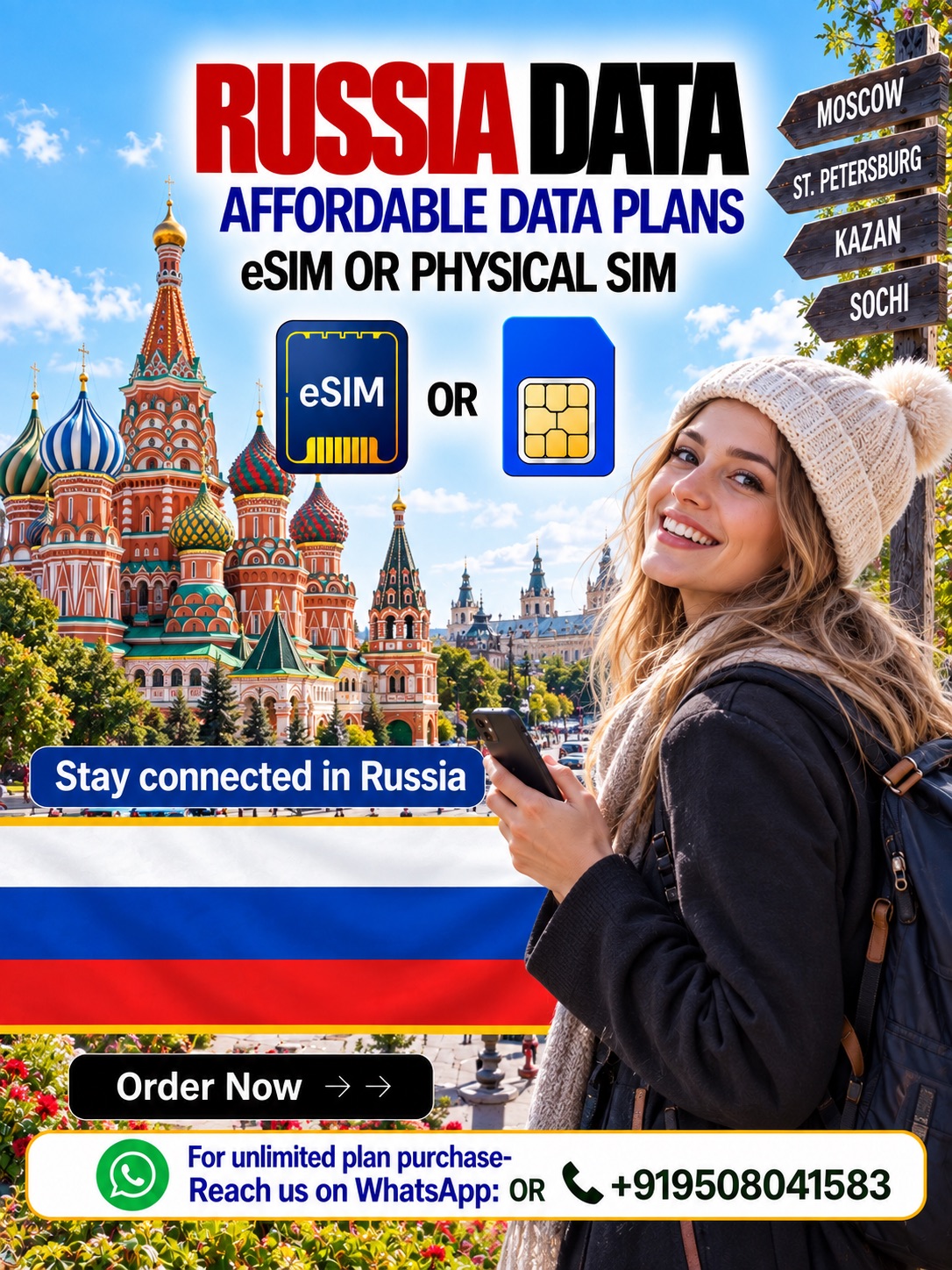
Stay Connected in Russia
Choose a Russia data eSIM or Russia physical SIM card before your journey. Both options provide prepaid mobile data for maps, email, browsing, and supported apps. Moreover, Hubbing Ecom offers flexible plans through its website and Symbaa App. However, review current Russian network restrictions before travel.
Explore Moscow, Saint Petersburg, Kazan, Sochi, and other covered destinations with greater confidence. A Russia travel eSIM removes physical swapping on compatible phones. Meanwhile, a Russia tourist SIM card supports travelers with suitable unlocked devices. Therefore, you can select the format matching your phone and schedule.
One Plan, Two Formats
Hubbing Ecom combines both formats on one helpful product page. Therefore, travelers can compare delivery, setup, and compatibility without visiting separate listings. The eSIM for Russia suits compatible devices and faster digital preparation. Alternatively, the Russia physical SIM card suits phones without usable eSIM support.
| Feature | Russia data eSIM | Russia physical SIM card |
| Format | Digital profile | Removable SIM card |
| Best for | Compatible, unlocked eSIM devices | Unlocked phones with a supported SIM slot |
| Preparation | Install using the supplied instructions | Insert the card and follow supplied settings |
| Delivery | Hubbing Ecom sends digital setup details | Delivery needs extra time before departure |
| Home SIM | Keep it installed on many dual-SIM phones | Remove or retain it when another slot exists |
| Russia rules | Local controls may affect service | Local controls may affect service |
Useful Travel Data
Use your connection for maps, translation, email, browsing, and ride information. Moreover, business travelers can access cloud tools when local rules permit them. The Russia data eSIM also helps tourists avoid unsecured public Wi-Fi. However, coverage and speeds always depend on location, congestion, networks, and regulations.
A Russia SIM card for tourists works best with an unlocked device. Likewise, the eSIM for Russia needs both eSIM capability and an unlocked handset. Check compatibility before payment because model names alone may mislead. Apple, Samsung, and Google publish device-specific setup guidance for supported products.
Russia Network Notice
Russia applies a 24-hour cooling period to qualifying foreign SIMs after network registration. During that period, networks may restrict mobile data and SMS. However, an operator message may offer a verification method for restoring access. Therefore, keep airport or hotel Wi-Fi available after arrival.
Russia can also impose regional mobile-internet interruptions and restrict selected online services. Consequently, no provider can guarantee every website, application, speed, or network session. Recent reporting documented disruptions in Moscow, Saint Petersburg, and other cities. Therefore, download maps, tickets, hotel details, and contacts beforehand.
Choose Your Data Plan
Select a package matching your trip length and expected usage. For example, fixed data suits maps, messaging, and light browsing. Meanwhile, selected unlimited plans better support frequent browsing or heavier use. However, availability, validity, speeds, and fair-use limits depend on the chosen Russia travel eSIM plan.
| Plan type | Best for | Important check |
| Fixed data | Maps, email, messaging, and moderate browsing | Confirm allowance and validity |
| Higher fixed data | Work, social sharing, and regular navigation | Monitor remaining data |
| Unlimited option | Heavy daily use when offered | Review daily high-speed and fair-use terms |
| Physical SIM option | Phones without usable eSIM support | Order early and confirm delivery timing |
Unlimited does not always mean unlimited high-speed data. Instead, the supplier may reduce speed after daily fair-use consumption. Therefore, read the selected plan terms before ordering. Also, ask Hubbing Ecom about high-speed allowances. Your Russia tourist SIM card or eSIM may follow specific network-management rules.
Simple Setup Process
First, choose your Russia data eSIM or Russia physical SIM card plan. Next, complete payment and submit the required travel documents. Hubbing Ecom then verifies your order and shares relevant instructions. Finally, install your eSIM before departure, or insert your physical card according to those instructions.
For eSIM, connect to stable Wi-Fi before installation. Then, open mobile settings and add the supplied eSIM profile. Next, select that profile for mobile data and enable data roaming when instructed. However, never delete the profile until your trip ends, because many QR codes allow one installation.
For a physical card, switch off your phone before inserting it. Then, place the card correctly and restart your device. Next, apply any supplied APN settings and enable data roaming when instructed. Because delivery takes time, order your Russia physical SIM card well before your departure date.
Required Travel Documents
After purchase, send clear passport, valid visa, and confirmed travel-ticket copies. Email them to admin@hubbingecom.com. Alternatively, WhatsApp the documents to +91 9508041583. Hubbing Ecom uses these files for order processing and supplier requirements. Therefore, send matching, readable documents without delay.
Please ensure every document shows the traveler’s correct details. Moreover, use the same name entered during checkout. Hubbing Ecom may pause processing when documents remain missing, unclear, expired, or inconsistent. Therefore, review every attachment before sending it. Contact support if your itinerary or visa changes afterward.
Data-Only Service
These travel products provide mobile data and do not support standard PSTN calling. Therefore, they generally lack a regular number for carrier calls or SMS. Use internet-based calling or messaging only where local access permits. Meanwhile, retain your home SIM when you need banking OTPs or regular calls.
Your home operator may charge roaming fees if its line stays active. Therefore, disable data roaming on your home SIM. Also, select the Russia data eSIM as your mobile-data line. However, keep your home line available only when necessary. Check your handset’s dual-SIM controls before departure.
Why Hubbing Ecom | Symbaa
Hubbing Ecom supports international travelers with digital and physical connectivity choices. Moreover, the Symbaa App offers a convenient place to explore suitable travel-data plans. The eSIM for Russia reduces card swapping on compatible devices. Meanwhile, the Russia physical SIM card keeps older supported phones connected during travel.
Travelers can choose fixed-data or selected unlimited options when available. Furthermore, prepaid pricing helps control connectivity costs before departure. Clear setup guidance also supports smoother installation. However, Russian regulations and local network conditions remain outside Hubbing Ecom’s control. Therefore, plan an offline backup for essential travel information.
Travel With Confidence
Choose the format that fits your phone, usage, and departure date. Then, confirm plan validity, network terms, and document requirements before payment. A Russia SIM card for tourists can simplify travel preparation. However, a Russia travel eSIM offers the easiest digital setup for many compatible devices.
Buy your eSIM for Russia or physical data SIM through Hubbing Ecom. Alternatively, explore suitable options through the Symbaa App. After ordering, send the required passport, visa, and ticket copies promptly. Finally, keep the supplied instructions offline and prepare backup Wi-Fi for Russia’s cooling period.
Frequently Asked Questions(FAQs)
2. Which option should I choose?
Choose the eSIM for Russia when your unlocked phone supports eSIM. It usually offers easier digital preparation and avoids card swapping. Alternatively, choose the Russia tourist SIM card when your phone needs a physical card. Therefore, check your device, departure date, and delivery time first.
3. How do I activate my plan?
For eSIM, install the supplied profile using stable Wi-Fi before departure. Then, select it for data and follow roaming instructions. For physical SIM, insert the card and apply supplied settings. However, Russian network controls may delay data after the first local network registration.
4. When should I install the eSIM?
Install your Russia travel eSIM before departure while reliable Wi-Fi remains available. . Activate it no earlier than 36 hours before departure. Do not delete the profile after installation. Also, keep its instructions offline. The validity may start after installation or first network connection
5. Does my phone support eSIM?
Check for “Add eSIM” or “Add Cellular Plan” within mobile settings. Also, confirm your exact model, purchase region, and carrier-lock status. Apple, Samsung, and Google maintain official setup resources. Therefore, always verify compatibility before buying any Russia data eSIM plan online.
You can try this as well– dial *#06# and find an EID, having this confirms eSIM compatibility. Also, confirm the phone accepts other networks. These checks answer is my phone esim compatible better than model lists. They especially help with imported or carrier-issued devices.
6. Must my phone remain unlocked?
Yes, your device should accept another provider’s SIM profile or physical card. Therefore, ask your current carrier about lock status before purchase. A locked phone may reject the eSIM for Russia and Russia physical SIM card. Hubbing Ecom cannot remove a carrier lock remotely.
7. Does the plan include normal calls or SMS?
No, these data products do not support standard PSTN calling or regular carrier SMS. Instead, use data-based communication where Russian rules allow access. Also, keep your home SIM for essential calls or OTPs. However, your home carrier may charge roaming fees for its services.
8. Can I keep my home SIM active?
Yes, many dual-SIM phones can keep a home SIM beside a Russia data eSIM. Therefore, assign mobile data only to the travel profile. Also, disable data roaming on your home line. This setup can preserve regular calls or OTP access, subject to home-carrier charges.
9. Can I use hotspot or tethering?
Many plans and devices allow hotspot use, but specific restrictions can apply. Therefore, check the selected plan terms before purchase. Also, hotspot use consumes data quickly and triggers fair-use thresholds sooner. Local network controls may affect tethered devices alongside the primary Russia travel eSIM connection.
What does Symbaa do?
Symbaa is Hubbing Ecom’s travel connectivity application for supported plans and destinations. Moreover, customers can explore options, manage eligible eSIM services, and review usage. However, website customers can still order directly through Hubbing Ecom. Therefore, travelers can choose their preferred purchase route.
11. Are unlimited plans truly unlimited?
At the backend unlimited plans may provide 1GB, 2GB, 3GB, or 5GB of daily high-speed data. Afterwards, operators may reduce speeds to 128Kbps, 256Kbps, 512Kbps, or 1024Kbps. However, operators control these limits and may update them. Hubbing Ecom cannot control backend policies.
12. What happens when fixed data runs out?
Your mobile data usually stops when the package allowance finishes. Therefore, monitor usage through device settings or available Symbaa App features. You may purchase another plan when supported. However, never assume every profile accepts top-ups. Ask Hubbing Ecom before ordering if easy renewal matters.
13. When does plan validity begin?
The starting point depends on the selected supplier and plan. Some plans begin after installation, while others begin after network connection. Therefore, read your supplied instructions carefully. Also, avoid early activation unless Hubbing Ecom recommends it. Premature activation may reduce usable travel days.
14. Why might data not work immediately in Russia?
Russia applies a cooling period to qualifying foreign SIMs after network registration. During that period, networks may restrict data and SMS for 24 hours. However, an operator message may provide verification instructions. Therefore, keep accessible Wi-Fi and essential offline information ready.
15. Can Russian authorities restrict mobile internet?
Yes, authorities and operators can restrict mobile internet regionally or limit selected online services. Recent reporting documented interruptions across several major cities. Therefore, performance can change without notice. No eSIM or physical card can override a complete local shutdown. Keep offline maps and documents available.
16. Which documents must I submit?
Send clear copies of your passport, valid visa, and confirmed travel ticket after purchase. Email them to admin@hubbingecom.com. Alternatively, WhatsApp them to +91 9508041583. Therefore, use matching traveler details and submit readable document copies quickly to prevent processing delays.
17. How quickly will I receive everything?
Processing starts after successful payment and complete document submission. Hubbing Ecom then shares eSIM instructions electronically after verification. Meanwhile, physical delivery needs additional time and depends on location. Therefore, order early. Ask support for current timelines before making urgent or last-minute travel purchases.
18. Can I move the eSIM to another phone?
Usually, travel eSIM profiles allow installation on one compatible device only. Therefore, avoid deleting or transferring the profile without support guidance. A used QR code may not work again. If your phone changes or fails, contact Hubbing Ecom before attempting another installation or purchase.
19. Will coverage work everywhere in Russia?
No provider can promise coverage in every building, route, or remote area. Moreover, network availability varies by location, congestion, terrain, device bands, and restrictions. The Russia SIM card for tourists works within participating network coverage. Therefore, download essential maps before visiting remote destinations.
20. What should I do when data fails?
First, confirm the selected data line is on Travel eSIM/SIM and enable roaming when instructed. Next, restart your phone and check supplied APN settings. Also, consider Russia’s cooling period or local shutdowns.
If it still doesn’t connect, please contact our support immediately with your order details and screenshots of network settings. We provide 24/7 support. For example, customers can message us on WhatsApp at +91-9508041583 with ICCID Number, Device Name, Device Model, Visited Country name, Date and time of issue for assistance.
21. How can I reduce mobile-data usage?
Download maps, tickets, translations, and entertainment before departure. Also, disable automatic backups, system updates, and high-resolution streaming. Use trusted Wi-Fi carefully when available. Meanwhile, monitor consumption through your device or supported Symbaa App features. These steps extend fixed data and reduce unexpected depletion.
Other Popular Esim Packages

There are no reviews yet.