

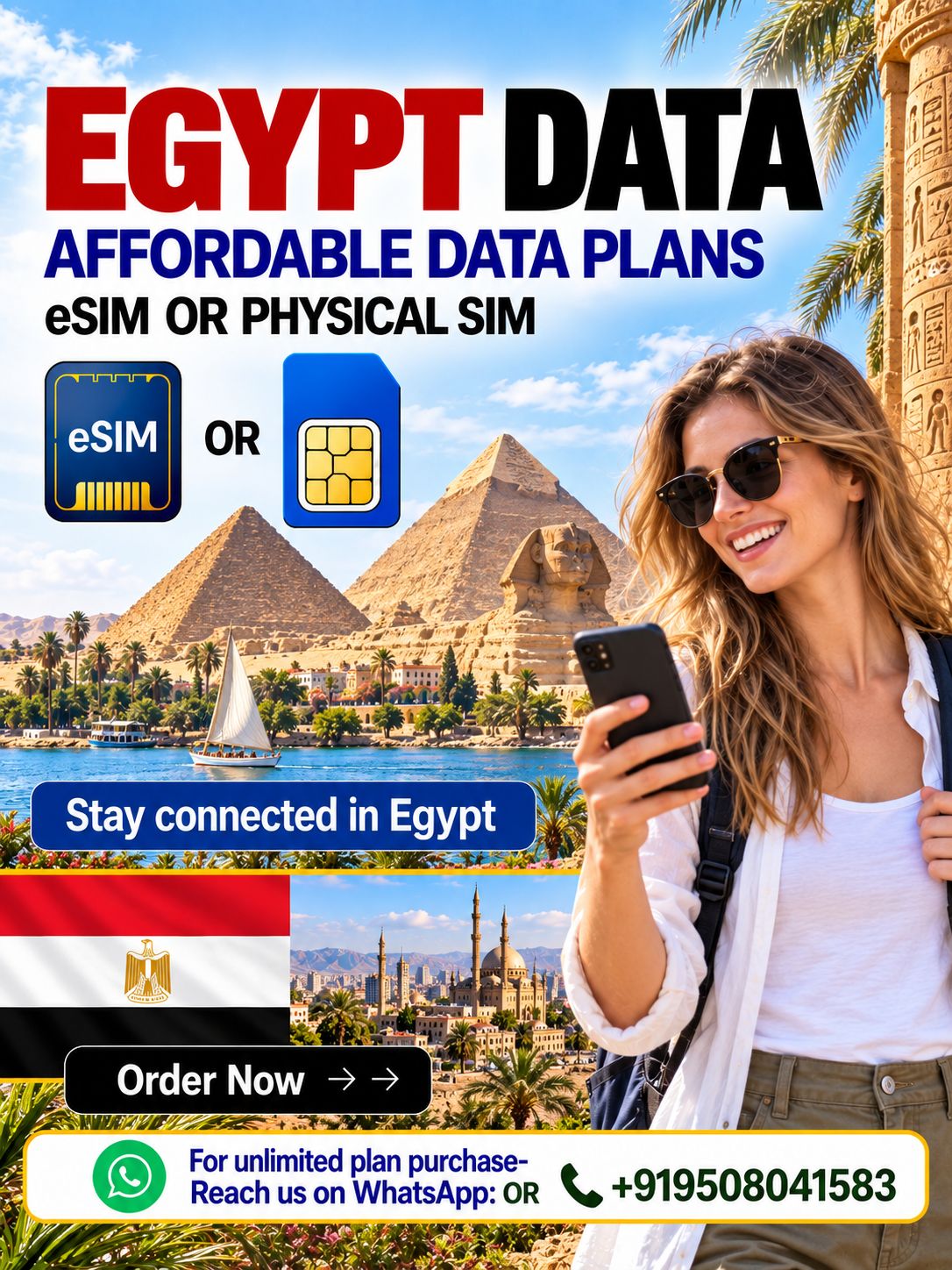
Experience seamless connectivity across Egypt with our International eSIM service. Whether you’re exploring the ancient wonders of Giza or diving into the vibrant culture of Cairo, our eSIM keeps you connected.
Discover our range of flexible eSIM data plans tailored for Egypt at Hubbing Ecom. We offer options designed to meet your data needs, ensuring reliable coverage and connectivity wherever your travels take you.
For more insights into our mobile connectivity solutions, visit our LinkedIn page. Learn why our International eSIM for Egypt is the ideal choice for travelers seeking hassle-free communication.
Our International eSIM for Egypt provides extensive coverage in bustling cities like Alexandria and Luxor, as well as remote desert landscapes and coastal resorts along the Red Sea.
Stay connected seamlessly during your business trips to Sharm El Sheikh or leisurely explorations of the Valley of the Kings with our convenient eSIM activation process and no physical SIM card needed.
Enhance your travel experience with reliable and high-speed data access across Egypt. Our International eSIM ensures you can share your adventures in real-time and stay connected with loved ones effortlessly.
Easy Travel Connectivity With Symbaa
Manage your travel connectivity more conveniently through the Symbaa app. Symbaa helps travellers access and manage their international connectivity needs in one place, making it easier to stay prepared before departure and connected while abroad.
Whether you are travelling for a holiday, business trip, study, family visit, cruise, or multi-country journey, Symbaa eSIM and physical SIM options help you avoid expensive international roaming charges and the inconvenience of searching for a local SIM card after arrival.
Explore our Popular eSIM Data Plans to find the right plan for your destination. You can also follow our LinkedIn pagefor travel connectivity updates, product news, and eSIM technology developments.
Travel smarter, stay connected, and enjoy your journey without worrying about mobile data.
Frequently Asked Questions(FAQs)
1. What is included with the Egypt Data eSIM or Physical SIM Card?
The Egypt Data eSIM and Egypt Physical Data SIM Card are designed mainly for mobile internet use while you travel in Egypt. You can use the data for Google Maps, WhatsApp, email, social media, hotel and flight bookings, ride-hailing apps, web browsing, and other internet-based applications.
The product is a data-only travel connectivity solution unless a specific plan clearly states otherwise.
2. Does the Egypt eSIM or physical SIM include a local mobile number?
Unless specifically mentioned in the selected plan, the Egypt data eSIM and physical SIM card do not include a local Egyptian mobile number for traditional calling or SMS.
These plans are intended for mobile data usage. You may use internet-based communication services such as WhatsApp, FaceTime, Telegram, Messenger, Skype, Google Meet, and similar apps, subject to the app’s availability and your internet connection.
3. Can I make normal calls or send SMS with this Egypt data plan?
No. Egypt data eSIM and physical data SIM plans do not support traditional PSTN calls or standard SMS services unless expressly stated in the plan details.
For communication, use data-based apps such as WhatsApp calling, FaceTime, Telegram, Messenger, Google Meet, or other VoIP applications. Your existing WhatsApp number can normally continue to work because WhatsApp is linked to your account and phone number, not to the travel eSIM itself.
4. What is the difference between an Egypt eSIM and an Egypt Physical SIM Card?
Both options provide mobile data for your trip to Egypt. The main difference is how the plan is installed:
- An eSIM is delivered digitally and installed by scanning a QR code on an eSIM-compatible, unlocked phone.
- A physical SIM card is a removable SIM card that must be inserted into your phone’s SIM tray.
Choose the eSIM if your device supports eSIM and you prefer digital installation. Choose the physical SIM card if your phone does not support eSIM or if you prefer using a removable SIM.
5. How do I activate my Egypt eSIM?
After purchase, you will receive the eSIM installation details, normally including a QR code and activation instructions. Add the eSIM to your compatible and network-unlocked device before travel or when instructed in your plan details.
For most travel eSIM plans, you should switch on the eSIM line and enable data roaming after arriving in Egypt. Do not remove the eSIM profile after installation, as a deleted eSIM may not be recoverable or reinstallable.
Always follow the specific activation instructions supplied with your Symbaa or Hubbing Ecom order.
6. How do I activate my Egypt Physical SIM Card?
Insert the physical SIM card into an unlocked mobile phone as per the activation instructions provided with your order. If your device uses dual SIM, make sure the Egypt physical SIM is selected as the preferred line for mobile data when you are ready to use it.
Depending on the plan, activation may begin once the SIM connects to a supported network in Egypt. Please follow the instructions included with the SIM card or order confirmation.
7. When should I install my Egypt eSIM?
You can generally install the eSIM before travelling, provided you follow the supplied instructions. However, it is usually best to activate mobile data and data roaming only when you arrive in Egypt, unless the plan instructions say otherwise.
Installing early helps you avoid setup issues at the airport, while activating at the correct time helps ensure that the plan validity begins according to the product terms.
8. Is my phone compatible with the Egypt eSIM?
Your device must be eSIM-compatible, unlocked, and not restricted by a carrier or region to use an Egypt eSIM. Device support can vary by model, country of purchase, software version, and mobile operator restrictions.
Please check your phone’s eSIM compatibility before placing an order. If your device does not support eSIM, select the Egypt Physical Data SIM Card option instead.
9. Will the Egypt data plan work throughout Egypt?
The Egypt data plan is intended for use in supported areas of Egypt, including major cities, tourist destinations, and locations covered by the available partner network.
Coverage, speed, and service availability may vary by city, building, terrain, local network conditions, congestion, and device capability. Data service may be limited in remote areas, underground locations, or places with weaker local network signal.
10. Does the Egypt plan include unlimited data?
If you select an unlimited Egypt data plan, it is intended for normal personal travel usage. “Unlimited” does not always mean unrestricted high-speed data for every type of usage.
In line with fair-use rules and local network policies, speeds may be reduced after high usage, during network congestion, or for activities that consume unusually large amounts of data. Video streaming, hotspot sharing, cloud backups, large downloads, and repeated high-bandwidth use may affect your experience. Please review the selected plan’s specific product details, validity, data policy, and any fair-use conditions before purchase. Unlimitedata plans are available through offline ordering. Send a WhatsApp message or call +91 9508041583to confirm availability, price, coverage, validity, and the suitable plan for your trip.
11. Can I use hotspot or tethering with my Egypt eSIM or physical SIM?
Hotspot and tethering availability depends on the selected plan, local network policy, device settings, and fair-use rules. Where permitted, you may be able to share your mobile data connection with another device.
For unlimited plans, excessive hotspot usage may be restricted or may result in slower speeds under the applicable fair-use policy. Use hotspot functionality responsibly and check the plan information before relying on it for work, streaming, or multiple devices.
12. Can I top up or extend my Egypt data plan?
Top-up and extension availability depends on the selected Egypt plan. Some travel data plans may allow a recharge or additional data purchase, while other plans are valid only for the original data allowance and validity period.
Check your order details or contact Hubbing Ecom support with your order number before your data expires if you need more data or an extended validity period.
13. What should I do if my Egypt eSIM or physical SIM is not working?
First, check the following:
- Confirm that your device is unlocked and compatible with the selected eSIM or physical SIM.
- Ensure the Egypt eSIM or physical SIM is enabled and selected for mobile data.
- Turn on data roaming for the Egypt travel SIM or eSIM if instructed.
- Restart your phone after arriving in Egypt.
- Check whether mobile data is enabled and whether your device has connected to a supported network.
- Follow the APN instructions if they were provided with your order.
- Disable or avoid using another SIM as the mobile-data line.
If the issue continues, support with your ICCID number, device model, screenshots of your settings where possible, and your current location in Egypt.
14. What documents do I need to submit after purchase?
After purchase, send clear soft copies of your:
A. Passport front & back page
B. Valid visa
C. Confirmed travel or flight ticket
Email them to admin@hubbingecom.com or share them on WhatsApp at +91 9508041583. Clear documents help us process your order promptly.
15. Can I use the same Egypt eSIM on more than one phone?
No. An eSIM is generally intended for installation on one compatible device only. Once installed, it should not be deleted, transferred, or reinstalled on another device unless the specific product instructions explicitly allow it.
If you change phones or delete the eSIM profile, the eSIM may not be recoverable. Keep the eSIM installed on the original device until your travel plan has ended.
16. Can I keep my primary SIM active while using the Egypt eSIM?
Yes, if your device supports Dual SIM or Dual SIM Dual Standby functionality. You may keep your primary SIM active for incoming calls, OTPs, or messages while selecting the Egypt travel eSIM as the line for mobile data.
However, be careful: your home SIM may incur roaming charges if it uses mobile data, makes calls, receives chargeable calls, or sends SMS while abroad. Set the Egypt eSIM as your preferred data line and turn off mobile data roaming on your home SIM if you do not want to use it abroad.




There are no reviews yet.