

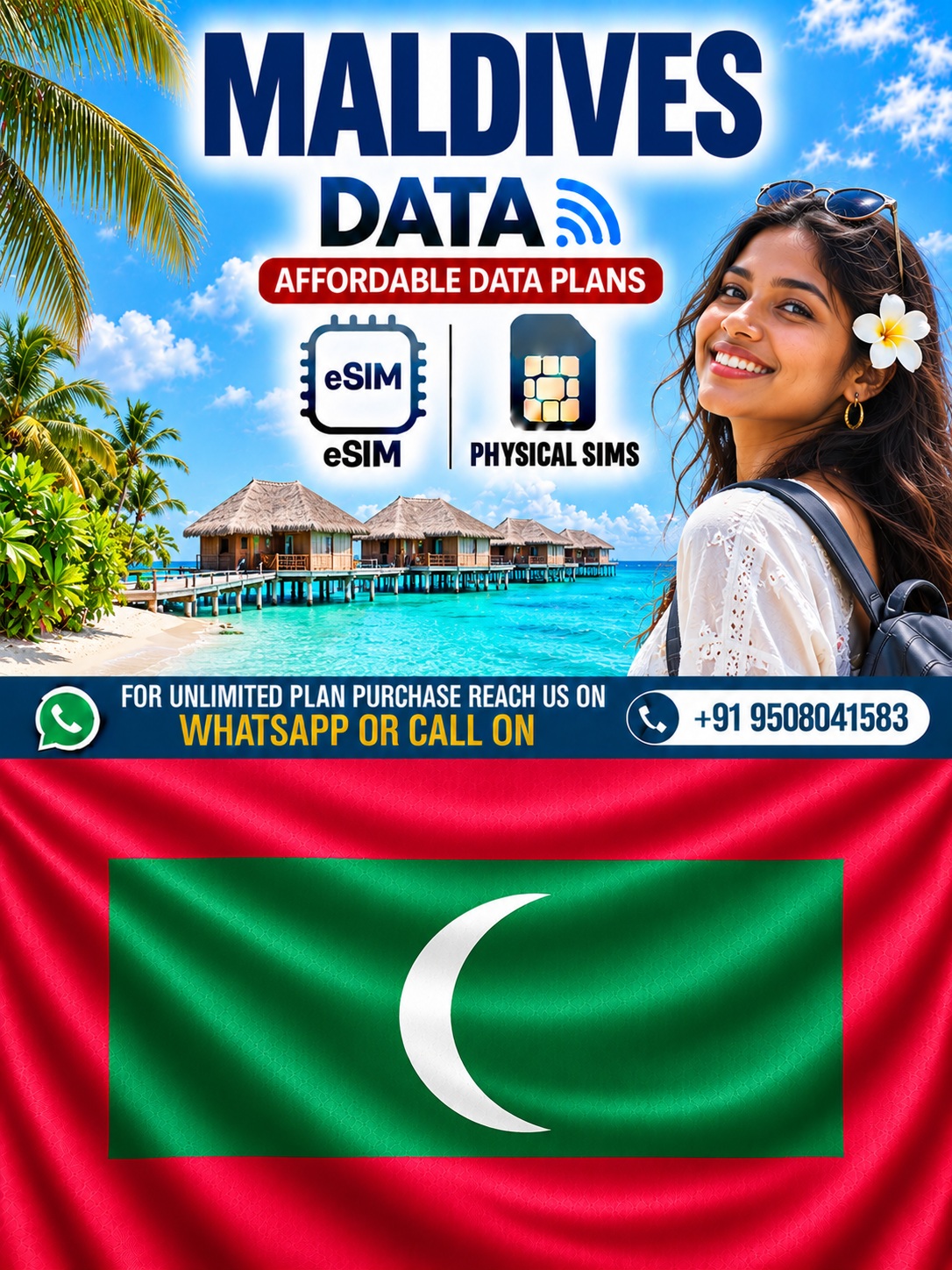
Key Features of Our Maldives Data eSIM | Maldives Data SIM cards for International Travelers | Symbaa
- Instant digital delivery – get your Maldives Data aeSIM QR code by email immediately after purchase.
- Reliable LTE/4G/5G coverage across major cities and popular tourist spots.
- Flexible eSIM data plan for Maldives, options to suit short trips or longer stays. Customized plans possible
- Compatible with most eSIM-enabled iOS and Android devices.
- Physical Data Card available if phone doesn’t support eSIM
- Most plans support hotspot/tethering so you can share data with other devices.
- No roaming surprises – prepaid data at local rates for the duration of your plan.
- Eco-friendly – no physical SIM card, reducing plastic waste for travelers who want eSIM
- 24/7 customer support and easy top-ups if you need more data. WhatsApp at +91-9508041583
- Queries on Unlimited Data plans | Customized plans WhatsApp on +91-9508041583, admin@hubbingecom.com
Stay Connected in Maldives | Symbaa
Maldives brings together pristine beaches, crystal-clear waters, luxury escapes, and unforgettable island experiences. Therefore, having dependable mobile data helps keep maps, bookings, payments, and everyday messages within easy reach. Choose a Maldives Data eSIM for digital convenience. Alternatively, select a Maldives Physical Data SIM card for familiar handling.

How to Use Your Maldives eSIM or Physical Data SIM Card | Symbaa
- Download Symbaa App – Download the Symbaa app and Choose a plan based on your needs
- Register with valid phone & email id | Purchase – Post registration on app do your purchase
- Receive eSIM via Email – After purchase, the eSIM profile QR is sent instantly to your email.
- Scan the QR Code | Install – Look for Cellular or Mobile network under “Add eSIM” and then scanning the QR code —choose the right settings. It should take 5 to 15 mins to install the plan. Do this before you board the International flight
- Activate on Arrival – Switch to your eSIM once you land in Maldives and ensure Data Roaming is selected on eSIM profile. Turn off automatic data switching
- Physical Data Cards – WhatsApp on +919508041583 | Delivery across major Indian cities 3-5 working days
- Submit Your Documents After Purchase – Send clear copies of the front and back of your valid passport, your valid visa, and your onward and return flight tickets to +91 95080 41583 or admin@hubbingecom.com.
Download Symbaa
Stay connected across Maldives
Maldives blends vibrant Malé, luxury island resorts, coral atolls, and scenic speedboat transfers. Therefore, dependable travel data supports maps, ferry schedules, resort messages, bookings, and daily calls. A Maldives Data eSIM provides simple digital setup before departure. Alternatively, choose a Maldives Physical Data SIM card for familiar handling.
Maldives network access
Maldives has two principal mobile operators: Dhiraagu and Ooredoo Maldives. Moreover, both providers deliver established 4G/LTE coverage across inhabited islands and expanding 5G in Malé. Your plan uses its assigned Maldivian partner network, not every carrier. Therefore, island distance, buildings, congestion, and device capability affect everyday performance.
| Maldives network | Connectivity profile | Useful for travelers |
| Dhiraagu | Broadest nationwide 4G/LTE island reach and expanding 5G | Malé, Hulhumalé, resort islands, and local atolls |
| Ooredoo Maldives | Fast 4G/LTE speeds across 190+ islands and growing 5G | Velana Airport, Malé, Maafushi, and resort hubs |
Major islands usually offer strong connection opportunities, while remote ocean conditions may differ. However, no provider can promise identical speeds inside every overwater villa. Likewise, heavy rain squalls, thick walls, crowds, and maintenance may affect performance. Therefore, download essential maps and resort transfers before remote island trips.
Choose your format
Both formats provide mobile data, although setup and delivery methods differ. Therefore, choose a Maldives eSIM for quick convenience on compatible phones. Alternatively, select a Maldives SIM card when your device needs a removable card. Consequently, either choice can simplify your Maldivian holiday.
| Feature | Maldives Data eSIM | Maldives Physical Data SIM card |
| Format | Digital mobile profile | Removable SIM card |
| Best for | Compatible, carrier-unlocked eSIM phones | Older, spare, or secondary devices |
| Delivery | Digital details after processing | Indian courier, usually four to five working days |
| Setup | Install through phone settings over Wi-Fi | Insert after reaching Maldives |
| Home SIM | Stays inside compatible dual-SIM phones | May require your physical SIM slot |
| Calling | Data-only without PSTN calls or standard SMS | Data-only unless the plan states otherwise |
| Hotspot | Subject to plan, device, and operator rules | Subject to plan, device, and operator rules |
Before ordering, check compatibility, travel dates, delivery time, and expected usage. Moreover, review each plan’s coverage, validity, hotspot terms, and high-speed allowance. A prepaid data SIM for Maldives helps travelers control connectivity spending. However, exact inclusions always depend on the selected plan.
Maldives Data eSIM
Buy your Maldives travel eSIM before departure and receive installation details after processing. First, install the profile through stable Wi-Fi and follow every supplied instruction. Then, enable the travel line when Hubbing Ecom advises. However, never delete the profile while troubleshooting connectivity.
Your phone must support eSIM and accept another operator’s mobile profile. Moreover, confirm that your device remains carrier-unlocked before ordering. Supported iPhones may display “No SIM Restrictions” within settings. Therefore, verify your exact model and regional variant carefully before payment.
A Maldives eSIM can keep your home line inside a compatible dual-SIM phone. Consequently, you may receive home calls, messages, and banking OTPs. However, your home operator may charge roaming fees. Therefore, disable home-line data roaming unless you genuinely need that service.
Physical Data SIM
Choose a Maldives Physical Data SIM card when your phone lacks eSIM support. Alternatively, use one with a spare phone, hotspot, or restricted work device. Hubbing Ecom sends the Maldives SIM card to your Indian address. Therefore, order early and consider the stated delivery timeline.
Insert the card after reaching Maldives, unless Hubbing Ecom provides different instructions. Next, select that line for mobile data and enable data roaming. Moreover, retain automatic network selection during initial setup. However, enter an APN only when your supplied instructions require one.
Manage with Symbaa
Symbaa, Hubbing Ecom’s live travel connectivity application, supports eligible plans and destinations. Moreover, customers can explore options, review usage, and manage supported eSIM services. The Symbaa travel eSIM experience adds convenient control during island holidays, honeymoons, and business stays. However, features depend on plan eligibility.
Website customers can still purchase directly from Hubbing Ecom without depending entirely on Symbaa. Nevertheless, the application provides one familiar place for supported services. Moreover, customers can explore future destination plans there. Therefore, Symbaa complements website ordering without restricting customer choice.
Choose your plan
Short island getaways usually need maps, messages, resort chats, email, and light browsing. Therefore, choose a smaller Maldives Data eSIM for a brief Malé stay. However, select more data for streaming, remote work, video calls, hotspot use, or uploads. Also, match validity with every travel date.
Longer resort stays need suitable validity alongside a practical data allowance. Similarly, your Maldives SIM card should cover your complete Maldivian itinerary. Every prepaid data SIM for Maldives carries specific coverage and usage conditions. Therefore, compare speeds, hotspot access, top-ups, validity, and fair-use rules carefully.
Unlimited options may include daily high-speed allowances or fair-use policies. Consequently, operators may reduce speeds after heavy usage during a stated period. Therefore, confirm the daily limit, reset timing, hotspot policy, and reduced speed. Also, ask Hubbing Ecom about current availability before payment.
Activate your plan
First, choose your allowance, validity, and preferred delivery format. Then, review compatibility, departure dates, coverage, and expected usage before payment. Moreover, complete the required document process promptly. Therefore, Hubbing Ecom can process your Maldives travel eSIM or physical card without avoidable delays.
Install your digital profile over stable Wi-Fi before flying. However, activate it no earlier than 36 hours before departure. After landing at Velana International Airport, select the purchased line for mobile data. Then, enable data roaming, retain automatic network selection, and restart if needed.
Required documents
After purchase, email clear passport, valid visa, and confirmed flight-ticket copies to admin@hubbingecom.com. Alternatively, WhatsApp every document to +919508041583. Moreover, send readable files promptly because incomplete documents may delay processing. This requirement covers both eSIM and physical card orders.
Hubbing Ecom requests these documents for order processing, not visa issuance. Therefore, customers must secure proper travel permission independently. Maldivian immigration authorities manage entry rules and traveler declaration requirements. Consequently, travelers should verify current rules through Maldives’ official IMUGA portal before departure.
Built for travelers
Use mobile data for maps, speedboat schedules, resort coordination, and excursion bookings. Moreover, internet access supports translation, digital payments, email, and video calls. A Maldives travel eSIM can simplify supported island journeys. Alternatively, physical SIM users receive similar data convenience after correct setup.
Maldives welcomes honeymooners, divers, families, solo travelers, and remote workers. Travel habits vary. Therefore, select data around your itinerary and daily habits. Moreover, save offline tickets, resort vouchers, and emergency details. Remember Maldives’ emergency numbers: Police 119, Fire 118, Ambulance 102, and Coast Guard 191.
Why Symbaa | Hubbing Ecom
Hubbing Ecom offers one purchase journey for digital and physical travel connectivity. Moreover, customers can compare available allowances and validity before departure. Every Maldives Data eSIM order receives support through familiar Indian contact channels. Similarly, physical SIM customers receive guidance for delivery and setup.
The Symbaa travel eSIM ecosystem supports eligible digital services and future journeys. Meanwhile, Hubbing Ecom provides direct website ordering for customers who prefer it. Consequently, travelers can arrange a prepaid data SIM for Maldives before departure. They can also avoid airport SIM queues at Malé.
Ready for Maldives
Choose your preferred data allowance, validity, and SIM format before departure. Then, submit the requested documents and follow the supplied activation instructions. Moreover, confirm device compatibility before buying a Maldives eSIM. Your Maldives Physical Data SIM card or eSIM can then support a smoother island journey.
Frequently asked questions (FAQs)
2. What is Symbaa, and what does it do?
Symbaa is Hubbing Ecom's live travel connectivity application for supported plans and destinations. Moreover, customers can explore options, manage eligible eSIM services, and review usage. However, website customers can still order directly through Hubbing Ecom. Therefore, travelers can choose their preferred purchase and management route.
3. Which Maldivian network will I use?
Your selected plan connects through its assigned Maldivian partner network or networks. Therefore, review current product details before payment because configurations may change. Moreover, island distance, buildings, congestion, and device capability affect performance. Hubbing Ecom cannot guarantee one network or speed everywhere.
4. Will my phone support eSIM?
Your phone must support eSIM technology and accept another operator's profile. Therefore, confirm that your device remains carrier-unlocked before ordering. Check for "Add eSIM" within cellular settings. Alternatively, dial *#06# and look for an EID. Moreover, verify your exact regional model.
5. Which documents must I send?
After purchase, email passport, valid visa, and confirmed flight-ticket copies to admin@hubbingecom.com. Alternatively, WhatsApp every readable file to +91-9508041583. Moreover, share documents quickly because Hubbing Ecom needs them for processing. This requirement covers the Maldives Data eSIM and physical card.
6. Can I call or send SMS?
The Maldives Data eSIM does not support PSTN calling or standard SMS. Instead, use WhatsApp, FaceTime, Telegram, Meet, or Zoom through mobile data. Meanwhile, physical plans remain data-only unless the selected plan clearly includes regular calling. Therefore, review every included service before payment.
7. Does unlimited data mean unrestricted speed?
Unlimited plans may carry fair-use rules, daily limits, or speed reductions. Therefore, unlimited access does not always provide continuous maximum speed. Backend plans may offer 1GB, 2GB, 3GB, or 5GB daily high-speed data. Afterwards, speeds may fall to 128Kbps, 256Kbps, 512Kbps, or 1024Kbps under current operator policies.
8. Can I order unlimited Maldives data?
Unlimited Maldives plans may support offline ordering, depending on current availability. Therefore, call or WhatsApp +91-9508041583 before purchase. Moreover, confirm pricing, validity, coverage, daily limits, reduced speeds, fair-use rules, and hotspot support. Choose regional coverage for a broader Asian journey.
9. Can I use hotspot or tethering?
Hotspot access depends on your selected plan, connected network, and device. Therefore, check conditions before sharing data with laptops, tablets, or companions. Moreover, heavy tethering can consume fixed allowances quickly. It may also trigger fair-use limits under eligible unlimited plans.
10. When should I activate my plan?
Install your digital profile before departure using reliable Wi-Fi. However, activate it no earlier than 36 hours before departure. Then, select the purchased profile for mobile data after landing. Meanwhile, insert the physical card after arrival unless Hubbing Ecom directs otherwise.
11. What happens after my data finishes?
Many plans may support a top-up or another allowance through the Symbaa application. Therefore, check availability for your exact product before traveling. However, heavy users should choose more data initially. Top-up support, activation steps, pricing, and processing can vary between plans.
12. Will it work in major Maldivian destinations?
Your plan should connect wherever its supported partner network provides coverage across Maldives. For example, travelers usually find strong signals in Malé, Hulhumalé, Maafushi, and Addu City. However, thick resort walls and indoor spaces can weaken signals. Therefore, save key travel bookings offline before departing.
13. Will it work on remote resort islands and distant atolls?
Mobile signals on outer atolls depend heavily on nearby island tower placement and distance. Therefore, isolated sandbanks, deep-sea diving sites, and distant resorts may experience slower speeds. Moreover, tropical rain squalls can reduce signal strength. Consequently, download offline maps before departing Malé.
14. Will it work near international waters or across atolls?
Your Maldives eSIM or physical card works across supported atolls covered by Maldivian partner towers. However, vessels sailing far into open international waters can lose coastal mobile signals. Therefore, keep automatic network selection steady and rely on resort Wi-Fi in remote offshore zones.
15. Do I need a 5G phone?
Most travelers browse comfortably using a standard 4G/LTE carrier-unlocked smartphone across Maldives. Moreover, 5G coverage remains concentrated mainly in Malé and Hulhumalé. Therefore, you do not need a 5G device for reliable island data. Simply ensure your phone supports standard Asian LTE bands.
16. Is this Maldives data service prepaid?
Yes, you pay upfront for a fixed data allowance and clear validity period before traveling. Therefore, a prepaid data SIM for Maldives protects you from surprise post-trip roaming bills. However, mobile data stops or slows according to your plan's rules. Always check expiry dates and fair-use terms beforehand.
17. What should I do if mobile data fails after arrival?
First, select your Maldives travel eSIM or physical SIM as your active mobile data line. Next, enable data roaming, keep automatic network selection active, and restart your smartphone. However, never delete your installed eSIM profile during troubleshooting. Instead, WhatsApp +919508041583 with your order number and screenshots.
18. Will it work during seaplane flights or on a liveaboard cruise?
No, land-based Maldivian mobile towers do not cover high-altitude flights or deep-sea liveaboard routes. Therefore, your Maldives SIM card or eSIM will not work while airborne or far offshore. Instead, use separate airline Wi-Fi or boat internet packages when available. Your plan resumes automatically near supported islands.
19. Will it work outside Maldives?
No, this single-country package works strictly inside Maldives on supported partner networks. Therefore, check transit stops and multi-country itineraries before placing your order. For example, layovers in Sri Lanka, India, or the UAE need separate coverage. Contact Hubbing Ecom for a regional or global plan.
Traveling beyond Maldives? Checkout these Data eSIM & Physical Data cards for travelers:
Macau | Spain | Africa | Italy | Argentina | Colombia | Switzerland | Ireland | Greece| Uganda | Morocco | Ethiopia | China | Russia
Pilot/Airline Crew, Seafarers, Digital Nomads, Frequent travelers checkout these plans
Asia Plan(works in 20+ countries) | Global Plans(works in 120+ countries) | Latin America Plans(works in 25+ countries) | Africa Plans(works in 20+ countries) | Australia & New Zealand | USA & Canada | Global 100 Plans(works in 100 countries) | USA & Mexico
Download Symbaa
Subscribe to our YouTube channel and follow us on Instagram for more updates.



There are no reviews yet.