

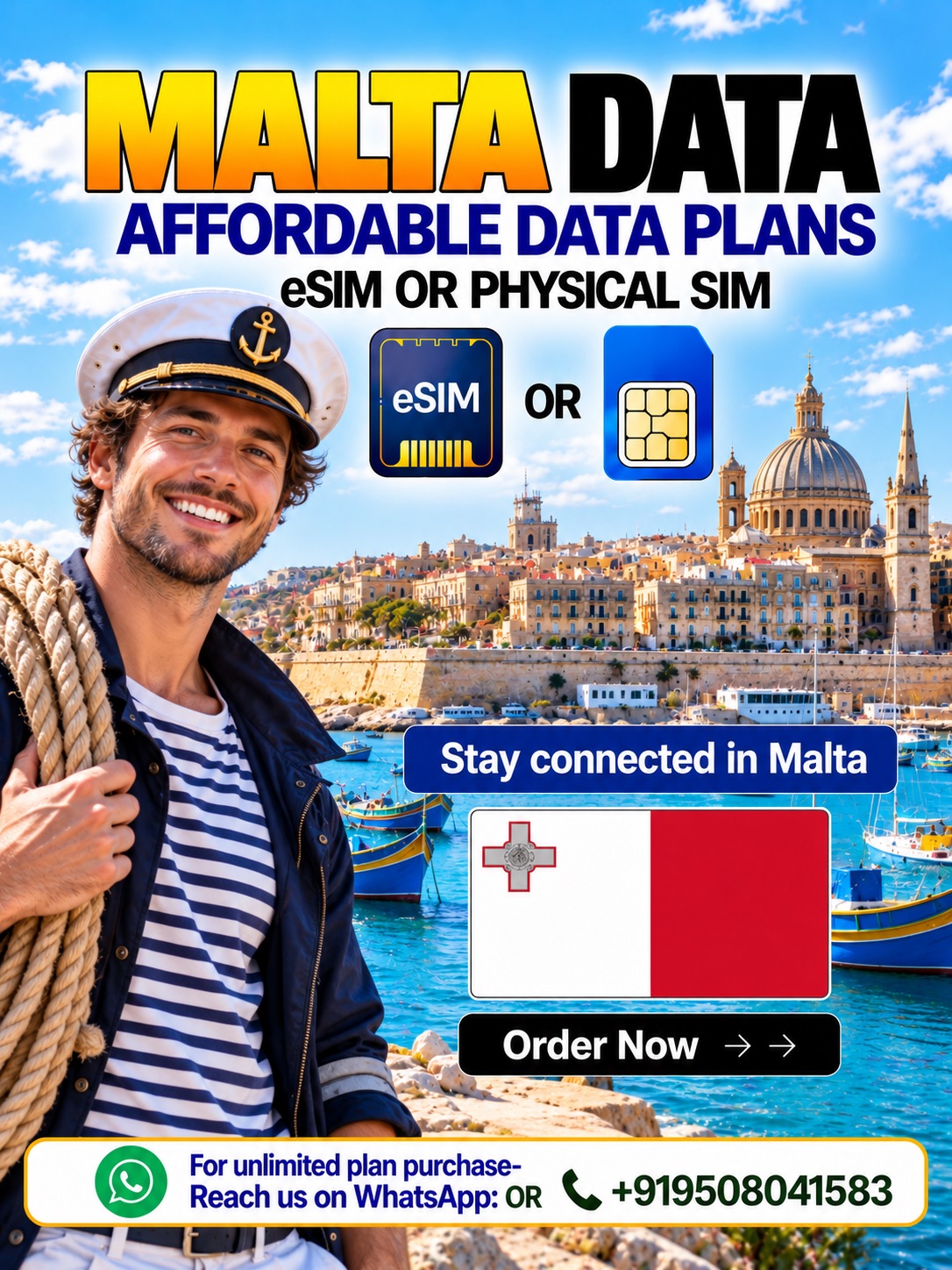
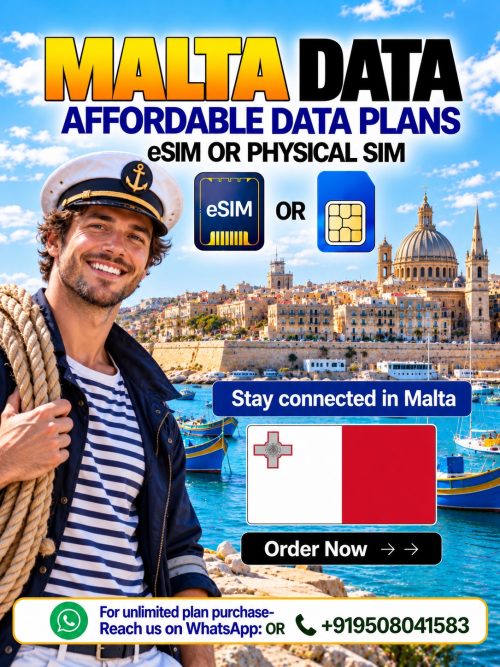
Explore Malta with a Malta Data eSIM from Hubbing Ecom. Alternatively, choose a Malta Physical Data SIM card for compatible phones. Your Malta travel SIM supports maps, messaging, and everyday browsing. Meanwhile, the Symbaa App helps you manage your travel connectivity.
Choose a Malta eSIM for convenient digital setup before departure. Alternatively, select a Malta data SIM when you prefer physical installation. Compare each Malta SIM card for tourists against your itinerary. Then, check the selected plan’s allowance, validity, and activation instructions.
Malta eSIM vs Physical Data SIM Card
Choose a Malta eSIM when your unlocked phone supports eSIM installation. Alternatively, select a Malta data SIM for a compatible physical slot. Both options provide data according to your selected package. Therefore, compare setup requirements before choosing your Malta SIM card for tourists.
| Comparison | Malta Data eSIM | Malta Physical Data SIM card |
| Installation | Follow the supplied digital installation instructions | Insert the supplied physical SIM |
| Device requirement | Unlocked, eSIM-compatible phone | Unlocked phone with a compatible SIM slot |
| Physical handling | No physical SIM insertion | Requires handling and inserting a SIM |
| Main purpose | Mobile internet access | Mobile internet access |
| Standard calls and SMS | Not included with this data-only product | Not included with this data-only product |
| Pre-travel preparation | Check compatibility and installation instructions | Check delivery arrangements and slot compatibility |
| Home SIM arrangement | Depends on device capabilities | Depends on available slots and device capabilities |
How Does Our Malta Travel SIM Work?
First, select your Malta Data eSIM or preferred physical SIM option. Next, review the allowance, validity, coverage, and applicable usage conditions. After purchase, submit your required travel documents to Hubbing Ecom. Then, follow the supplied instructions to prepare your connection correctly.
For your Malta Physical Data SIM card, confirm delivery arrangements beforehand. Meanwhile, eSIM buyers should check device compatibility before installing their profiles. Connect to Wi-Fi when following digital setup instructions. Finally, select your Malta travel SIM for mobile data when instructed.
Choose the Right Malta Data Plan
Choose a Malta eSIM allowance that matches your expected daily usage. Similarly, compare Malta data SIM options against your trip duration. Maps and messaging usually require less data than frequent video streaming. Therefore, review your habits before selecting a Malta SIM card for tourists.
| Plan consideration | Fixed-data option | Unlimited-data option, when available |
| Allowance | Provides the stated data amount | Follows the selected unlimited package’s conditions |
| Usage planning | Monitor remaining data against your allowance | Review fair-use rules and possible speed restrictions |
| Validity | Check the selected package’s validity | Check the selected package’s validity |
| Hotspot | Confirm permission and applicable limits | Confirm permission and applicable limits |
| Heavy usage | Consider whether your allowance covers your needs | Check whether fair-use conditions suit your needs |
| Before purchase | Review allowance, expiry, and coverage | Review availability, expiry, and fair-use terms |
Stay Connected Across Your Malta Itinerary
Plan your mobile data around Valletta, Sliema, and your island excursions. Additionally, check coverage details before visiting Gozo or Comino. Your selected package determines the networks you can access. However, buildings, local congestion, and location can affect your connection during travel.
Carry a Malta eSIM for convenient access to your travel apps. Alternatively, prepare a Malta data SIM before your departure date. Your Malta SIM card for tourists should match your complete route. Therefore, check country coverage separately when combining Malta with other destinations.
Manage Your Travel Data with Symbaa
Symbaa is Hubbing Ecom’s travel connectivity application for international travelers. Through the app, you can explore available plans and manage connectivity. Additionally, review the information available for your selected purchase. Before departure, check your plan details and prepare your phone accordingly.
Choose your Malta Data eSIM after reviewing the available purchase options. Alternatively, ask Hubbing Ecom about a Malta Physical Data SIM card. Your Malta travel SIM should reflect your device and itinerary. Finally, keep your purchase confirmation accessible throughout your trip abroad.
Required Documents After Purchase
After purchase, send your visa, passport, and ticket copies to Hubbing Ecom. Email these documents to admin@hubbingecom.com for your purchased travel plan. Alternatively, WhatsApp the copies to +919508041583 after completing your order. Also, include your order reference to help identify your purchase.
Frequently asked questions(FAQs)
2. What is Symbaa, and what does it do?
Symbaa is Hubbing Ecom’s travel connectivity application for international travelers. Through the app, you can explore plans and manage travel connectivity. Additionally, review the available information for your selected data purchase. For physical SIM arrangements, confirm the purchasing process with Hubbing Ecom.
3. Which Maltese mobile network will my plan use?
Your selected package determines the Maltese network your SIM can access. Therefore, check its current network information before completing your purchase. Do not assume every package connects through the same local operator. Additionally, ask Hubbing Ecom when the listing needs further clarification.
4. Will my phone support an eSIM or physical SIM?
For eSIM, your phone must support the supplied digital profile. Additionally, your device must allow connections through other mobile providers. For physical SIMs, check your available slot and required SIM size. Before purchasing either format, confirm compatibility with your exact phone model.
5. Does my phone need to be unlocked?
Yes, use an unlocked phone with your selected travel SIM. Otherwise, a carrier restriction may prevent the required network connection. Before purchase, ask your existing mobile provider about unlock status. Also, remember that eSIM compatibility and carrier unlocking represent separate device checks.
6. How do I install and activate my eSIM?
First, connect your compatible phone to a stable Wi-Fi connection. Next, follow the supplied QR code or digital installation instructions. Then, select the travel eSIM for mobile data when instructed. Finally, apply the roaming and activation settings specified for your selected package.
7. How do I activate my physical data SIM?
First, insert the physical SIM into your compatible unlocked phone. Next, select that SIM for mobile data within your settings. Then, follow the supplied activation, roaming, and network configuration instructions. If necessary, restart your phone after applying the required package settings correctly.
8. Can I prepare my SIM before traveling?
Yes, prepare your phone and review the instructions before departure. For eSIM, use Wi-Fi when completing the permitted installation steps. However, check the validity trigger before installing or activating anything. Similarly, physical SIM users should follow their package’s stated activation timing carefully.
9. When does my Malta plan’s validity begin?
Your selected package’s activation rules determine when its validity begins. Therefore, check those rules before installing or enabling your SIM. Do not assume installation and validity always start together automatically. If anything remains unclear, ask Hubbing Ecom before completing the activation process.
10. Does this product support normal calls, SMS, or PSTN calling?
No, these data-only products do not include standard calls or SMS. Likewise, the eSIM does not provide conventional PSTN calling service. Instead, use supported internet calling and messaging apps through mobile data. For ordinary calls, arrange a separate voice-enabled service before your journey.
11. Can I use WhatsApp and other internet calling apps?
Yes, supported messaging and calling apps can use your mobile data. Therefore, you can contact people through apps such as WhatsApp. However, these services consume data from your selected travel package. Also, app access and account verification depend on each platform’s requirements.
12. Can I keep my existing phone number?
Your travel data SIM does not replace your existing mobile number. However, keeping your home line active depends on your phone. Check dual-SIM capabilities before using both connections during your trip. Additionally, review home-provider charges before allowing calls, texts, or roaming activity.
13. Will the plan work in Valletta, Sliema, and other towns?
Check your selected package’s coverage details for your planned Malta destinations. For example, review connectivity expectations around Valletta, Sliema, and St Julian’s. However, location and network conditions can affect reception during your trip. Therefore, avoid treating country coverage as guaranteed service everywhere you visit.
14. Can I use the same plan on Gozo and Comino?
Gozo and Comino belong to Malta, but check your package’s coverage. Additionally, review local reception expectations before planning island excursions or activities. Do not assume consistent signal across every beach or ferry route. Before leaving, download useful maps and keep essential booking details offline.
15. Will my Malta plan also work in other European countries?
A Malta-only package does not automatically include every other European destination. Therefore, review the country list before extending your trip elsewhere. If you need wider coverage, compare suitable regional or multicountry packages. Also, confirm that your chosen SIM format supports the complete itinerary.
16. Will I get 4G or 5G speeds?
Your package, device, and available network determine the connection you receive. Therefore, check whether the selected offer includes 4G or 5G access. However, coverage and local congestion can affect actual connection speeds. Neither SIM format guarantees the same speed throughout your Malta itinerary.
17. Can I share data through a hotspot?
Hotspot access depends on your selected package and device capabilities. Therefore, check tethering permission before planning connections for laptops or companions. Some packages may apply specific hotspot allowances or other restrictions. Additionally, shared connections consume data according to the selected plan’s conditions.
In most of the cases hotspot or tethering are allowed but controlled from the local operator end, and not in control of Symbaa | Hubbing Ecom.
18. Do you offer unlimited data, and what does unlimited mean?
Choose unlimited data only when Hubbing Ecom lists that Malta option. Before purchase, review its fair-use conditions and any speed restrictions. Unlimited does not necessarily mean unrestricted high-speed data throughout the package. Additionally, check hotspot limits and validity before selecting your preferred offer. If you have queries WhatsApp on +91-9508041583.
19. What happens when my data finishes or my plan expires?
Your selected package determines what happens after exhaustion or expiry. Therefore, review its terms before relying on continued internet access. If you need more data, check available renewal or purchase options. However, do not assume every eSIM or physical SIM supports top-ups. WhatsApp on +91-9508041583
20. Which documents must I submit after purchasing?
After purchase, send your visa, passport, and ticket copies to Hubbing Ecom. Email the documents to admin@hubbingecom.com for your purchased travel plan. Alternatively, WhatsApp the copies to +919508041583 after completing your order. Additionally, include your order reference so the team can identify your purchase.
21. Do eSIM and physical SIM purchases require the same documents?
Yes, Hubbing Ecom requires your visa, passport, and ticket copies. This requirement applies after purchasing either travel data SIM format. Therefore, submit the documents using the stated email or WhatsApp contact. Also, include your order reference when sending your required travel documents.
22. How will I receive my eSIM or physical SIM?
For eSIM purchases, follow the delivery instructions associated with your order. These instructions explain how you receive the required digital installation details. For physical SIM purchases, confirm shipping arrangements before your departure. Additionally, check processing requirements after submitting your required travel documents promptly.
23. What should I do if mobile data does not connect?
First, confirm that your package remains valid and contains available data. Next, select the correct SIM for your phone’s mobile data. Then, follow the supplied roaming, APN, and network selection instructions. Finally, contact Hubbing Ecom if the connection still does not work.
24. Can I delete, reinstall, or transfer my eSIM?
Do not delete your installed eSIM merely to troubleshoot connection problems. Instead, contact Hubbing Ecom before changing or removing the digital profile. Reinstallation and transfer permissions depend on the supplied eSIM’s conditions. Likewise, check compatibility before moving a physical SIM between different phones.
25. How can I contact Hubbing Ecom for assistance?
Email admin@hubbingecom.com or WhatsApp +919508041583 for help with your purchase. Additionally, provide your order reference and a clear issue description. For connection problems, include your phone model and relevant settings screenshots. However, avoid sharing passwords or unrelated sensitive information in support messages.
Travelling beyond MALTA? Try our Data eSIM and Physical Data cards for travelers
Europe(works in 30+ countries) | France | Spain | Italy | Switzerland | Ireland | Greece | Poland | Russia | Austria | Czech Republic | Germany | UK | Norway | Denmark | Finland | Ireland | Netherlands | Belgium | Slovakia | Bulgaria | Croatia | Portugal | Cyprus | Estonia
Pilot/Airline Crew, Seafarers, Digital Nomads, Frequent travelers checkout these plans
Asia Plan(works in 20+ countries) | Global Plans(works in 120+ countries) | Latin America Plans(works in 25+ countries) | Africa Plans(works in 20+ countries) | Australia & New Zealand | USA & Canada | Global 100 Plans(works in 100 countries) | USA & Mexico
Download Symbaa
Subscribe to our YouTube channel and follow us on Instagram for more updates.
There are no reviews yet.