

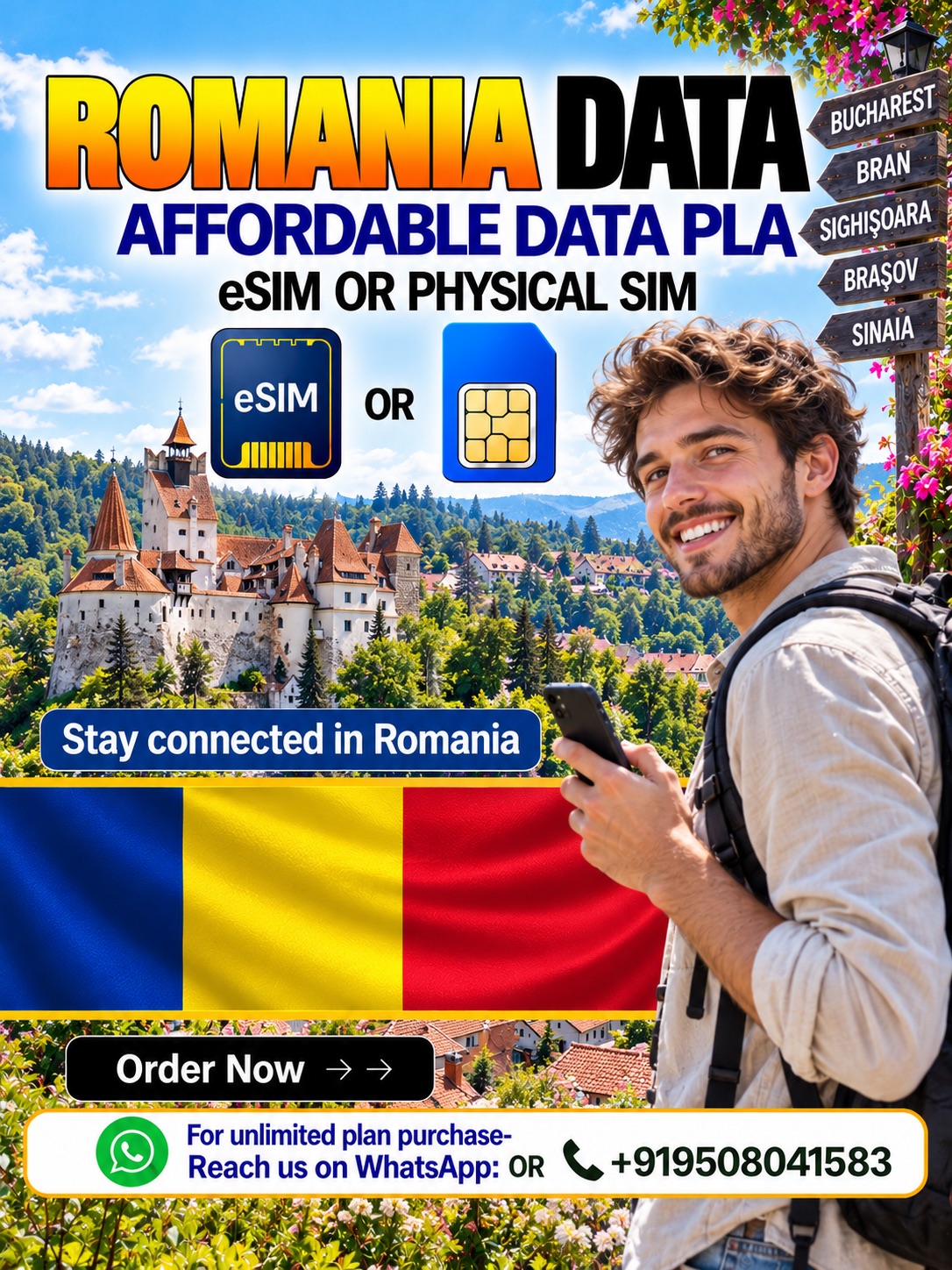
Stay Connected in Romania with Symbaa
Explore Romania with travel data from Hubbing Ecom and its live Symbaa application. Whether you choose a Romania Data eSIM or Romania Physical Data SIM Card, check compatibility first. Then, select your allowance and validity. Moreover, keep maps, bookings, and travel messages within reach.
Why Choose Our Romania Travel SIM?
A Romania travel SIM helps you organise connectivity before your journey. For example, use mobile data for Bucharest directions, Brașov accommodation, and Cluj-Napoca travel updates. However, coverage depends on your selected plan and location. Therefore, check network details before buying, especially for countryside journeys.
Romania Data eSIM or Physical SIM: Which Should You Choose?
Choose a Romania Data eSIM when your unlocked phone supports compatible eSIM profiles. Alternatively, select a Romania Physical Data SIM Card when your device requires a removable card. Either way, review the package details first. Then, confirm activation instructions and any physical delivery arrangements.
| Comparison | Romania Data eSIM | Romania Physical Data SIM Card |
| SIM format | Digital profile | Removable card |
| Device requirement | Compatible, unlocked eSIM device | Compatible, unlocked SIM-slot device |
| Setup | Supplied QR code or manual details | Insert card and follow supplied instructions |
| Delivery consideration | Check digital delivery instructions | Confirm dispatch and delivery timing |
| Standard calls and SMS | Not included in data-only package | Not included in data-only package |
| Best fit | Compatible phones and digital setup | Devices requiring a removable SIM |
Choose the Right Romania Data Plan
Match your Romania travel SIM allowance to your itinerary and everyday usage. For example, maps and messaging usually require less data than frequent video streaming. However, unlimited packages may apply fair-use restrictions. Therefore, check available allowances, validity, hotspot terms, and any reduced-speed conditions before checkout.
| Comparison | Fixed-data package | Unlimited package, if available |
| Allowance | Specified data amount | Subject to stated fair-use terms |
| High-speed usage | Subject to allowance and network conditions | Check any daily cap and reduced-speed threshold |
| Validity | Check the selected package | Check the selected package |
| Hotspot use | Confirm package permission | Confirm permission and restrictions |
| Best fit | Predictable usage and a defined allowance | Frequent usage within disclosed fair-use rules |
How to Activate Your Romania eSIM
First, complete your purchase and send Hubbing Ecom the required travel documents. Then, follow your supplied instructions to install the Romania Data eSIM using stable internet. Next, select the travel profile for mobile data. However, confirm activation timing before installation, because package rules can differ.
How to Activate Your Romania Physical Data SIM Card
First, confirm dispatch arrangements for your Romania Physical Data SIM Card before travelling. Then, insert the card into a compatible, unlocked device and follow the supplied instructions. Next, select the correct data line and check any required settings. Finally, test connectivity within the covered destination.
Travel Across Romania with Mobile Data
Use your Romania travel SIM for city navigation, hotel messages, and online booking checks. For example, prepare routes between Bucharest, Sibiu, and Brașov before leaving reliable internet. However, never assume continuous mountain coverage. Therefore, download offline maps and keep accommodation details available without mobile data.
Buy Your Romania Travel Data with Hubbing Ecom
Compare a Romania Data eSIM with a Romania Physical Data SIM Card before selecting your package. Then, review current prices, validity, and supported devices through Hubbing Ecom or Symbaa. After purchase, submit your documents through the listed contact channels. Finally, follow your package instructions carefully.
Frequently asked questions(FAQs)
2. What is Symbaa, and what does it do?
Symbaa is Hubbing Ecom’s live travel connectivity application for international travellers. Through Symbaa, you can explore travel data options and access available account services. However, available functions depend on your package and app version. Therefore, check your purchase details and follow the relevant setup guidance.
3. Which option should I choose for my Romania trip?
Choose an eSIM when your unlocked device supports the supplied digital profile. Alternatively, choose a physical SIM when you need a removable card. For either option, compare delivery arrangements, setup requirements, and package terms. Then, select the format that fits your phone and departure schedule.
4. How do I check whether my phone supports eSIM?
First, check your phone settings for an eSIM or mobile-plan installation option. Next, confirm your exact device model and regional variant with its manufacturer. Also, ensure your network provider has unlocked your phone. If your device lacks compatible eSIM support, consider a physical data SIM.
5. What documents must I send after purchasing?
After purchase, send Hubbing Ecom copies of your visa, passport, and travel ticket. Email them to admin@hubbingecom.com, or WhatsApp them to +919508041583. Also, include your order reference so the team can identify your purchase. However, contact support about visa exemptions before submitting incomplete documentation.
6. How do I install my Romania eSIM?
First, connect your compatible phone to stable Wi-Fi and open the supplied installation instructions. Then, use the QR code or provided manual installation details. Next, label the new profile so you can recognise it easily. Finally, follow your package guidance for activation and data settings.
7. When should I install and activate my travel plan?
Installation and activation do not always start at the same time. Therefore, check your package instructions before installing either SIM format. Also, ask when validity starts and whether advance installation affects your allowance. Then, activate according to the supplied schedule rather than assuming one universal rule.
8. How do I set up my physical data SIM?
First, confirm your delivery details and allow sufficient time before departure. Then, insert the physical SIM into your unlocked phone using the correct card size. Next, follow the supplied activation and network instructions. If necessary, enter the provided access point name before testing mobile data.
9. Should I enable data roaming on the travel SIM?
Follow your package instructions when setting data roaming on the travel profile. Some travel plans require this setting to connect through partner networks. However, keep data roaming disabled on your home SIM to avoid unintended charges. Also, select your travel SIM as the mobile-data line.
10. Does the plan support regular calls or SMS?
These data-only products do not include standard PSTN voice calls or conventional SMS services. However, internet-based apps can support messaging and voice calls when data works. Therefore, use WhatsApp or similar services for online communication. Also, retain another suitable service when you need regular calling.
11. Can I keep my existing WhatsApp number?
You can generally continue using your existing WhatsApp account while using travel data. Therefore, avoid changing your registered number unless you specifically want another account setup. Also, keep access to your original number for verification. However, app requirements and account recovery procedures can change independently.
12. Can I keep my home SIM for OTP messages?
A compatible dual-SIM phone may let you retain your home line alongside travel data. However, your home provider controls roaming availability, incoming messages, and charges. Therefore, confirm OTP reception before departure and disable unwanted home-line data usage. Also, check whether your device supports simultaneous active lines.
13. Where can I use mobile data in Romania?
Check the selected package for its Romanian coverage and supported network details. For example, plan your data needs around Bucharest, Cluj-Napoca, Brașov, and Constanța. However, buildings, terrain, and network conditions can affect reception. Therefore, avoid treating any destination listing as a promise of uninterrupted service.
14. Will my SIM work in the Carpathian Mountains?
Your connection depends on local network availability, terrain, and your selected package. Therefore, do not rely on continuous data during mountain hikes or remote journeys. Instead, download offline maps and save essential travel information beforehand. Also, tell someone your route before exploring areas with uncertain reception.
15. Does a Romania plan cover other European countries?
A Romania-only package does not automatically include other European destinations. Therefore, check the country list before visiting Hungary, Bulgaria, or another neighbouring country. Alternatively, compare a regional package when your itinerary includes several destinations. Also, verify border coverage rather than assuming EU membership guarantees inclusion.
16. What does unlimited data mean for this product?
Unlimited packages may apply fair-use policies, daily high-speed allowances, or reduced speeds after specified usage. Therefore, read the selected package terms before purchase. Also, check whether restrictions affect streaming, hotspot sharing, or heavy downloads. Never assume unlimited means unrestricted high-speed data throughout your entire trip.
17. Can I share my connection through a hotspot?
Hotspot availability depends on your chosen package, device, and provider restrictions. Therefore, check tethering permission before buying data for several devices. Also, remember that laptops and video calls can consume your allowance quickly. If sharing matters, ask Hubbing Ecom to confirm the applicable hotspot terms.
In most of the cases hotspot or tethering are allowed but controlled from the local operator end, and not in control of Symbaa | Hubbing Ecom.
18. How much data should I buy for Romania?
Estimate your needs from trip length, navigation habits, messaging, and expected video use. For example, frequent streaming generally needs more data than checking hotel addresses. Also, consider hotspot sharing and cloud backups when comparing packages. Then, choose an allowance that fits your actual travel routine.
19. When does validity start, and when does it end?
Your selected package determines its validity period and activation trigger. Therefore, confirm whether timing starts at purchase, installation, manual activation, or network connection. Also, check expiry conditions before departure. Once you understand these rules, schedule setup carefully and avoid assuming unused data extends your validity.
20. Can I top up or extend my data plan?
Top-ups and extensions depend on the specific package you purchase. Therefore, check available options through Hubbing Ecom or the relevant Symbaa account services. Also, confirm whether an additional purchase continues the existing profile or requires another installation. Never assume every package supports renewal or leftover-data rollover.
21. What should I do if my internet does not work?
First, check your allowance, validity, selected data line, and required roaming settings. Next, follow the supplied instructions for network selection and access point settings. Then, restart your device if the issue continues. However, contact Hubbing Ecom before deleting an eSIM profile or making unsupported changes.
22. Can I reinstall my eSIM or move it between phones?
Reinstallation and device transfers depend on the provider’s profile rules and your package. Therefore, do not delete your eSIM or assume its QR code supports repeated installation. Also, contact Hubbing Ecom before changing phones. For physical SIMs, confirm device compatibility and any package-specific transfer restrictions.
23. How do I arrange delivery and contact support?
For physical SIM purchases, confirm the delivery address, dispatch timing, and applicable shipping charges before travelling—generally 3-5 working days across major Indian cities. For eSIM orders, check the supplied digital delivery instructions. Also, email admin@hubbingecom.com or WhatsApp +919508041583 with your order reference. Then, explain your issue clearly without publicly sharing identity documents.
24. Can I use this data plan for emergency calls?
Romania uses 112 for emergencies through its public telephone networks-keep checking the latest directory from Romanian govt for this kind of number or similar queries. However, a data-only travel package does not include ordinary PSTN calling. Therefore, do not treat mobile internet as a guaranteed emergency-calling service. Also, identify your phone’s emergency calling options and save your accommodation address beforehand.
25. Can I cancel my order or request a refund?
Cancellation and refund eligibility depend on Hubbing Ecom’s applicable terms and your order status. Therefore, review those terms before buying either SIM format. Also, ask support how delivery, installation, or activation affects eligibility. If your plans change, contact the team promptly with your order reference. Once eSIM is Installed the refund cancellation cant be processed
Travelling beyond ROMANIA? Try our Data eSIM and Physical Data cards for travelers
Europe(works in 30+ countries) | France | Spain | Italy | Switzerland | Ireland | Greece | Poland | Russia | Austria | Czech Republic | Germany | UK | Norway | Denmark | Finland | Ireland | Netherlands | Belgium | Slovakia | Bulgaria | Croatia | Portugal | Cyprus | Estonia
Pilot/Airline Crew, Seafarers, Digital Nomads, Frequent travelers checkout these plans
Asia Plan(works in 20+ countries) | Global Plans(works in 120+ countries) | Latin America Plans(works in 25+ countries) | Africa Plans(works in 20+ countries) | Australia & New Zealand | USA & Canada | Global 100 Plans(works in 100 countries) | USA & Mexico
Download Symbaa
Subscribe to our YouTube channel and follow us on Instagram for more updates.

There are no reviews yet.