

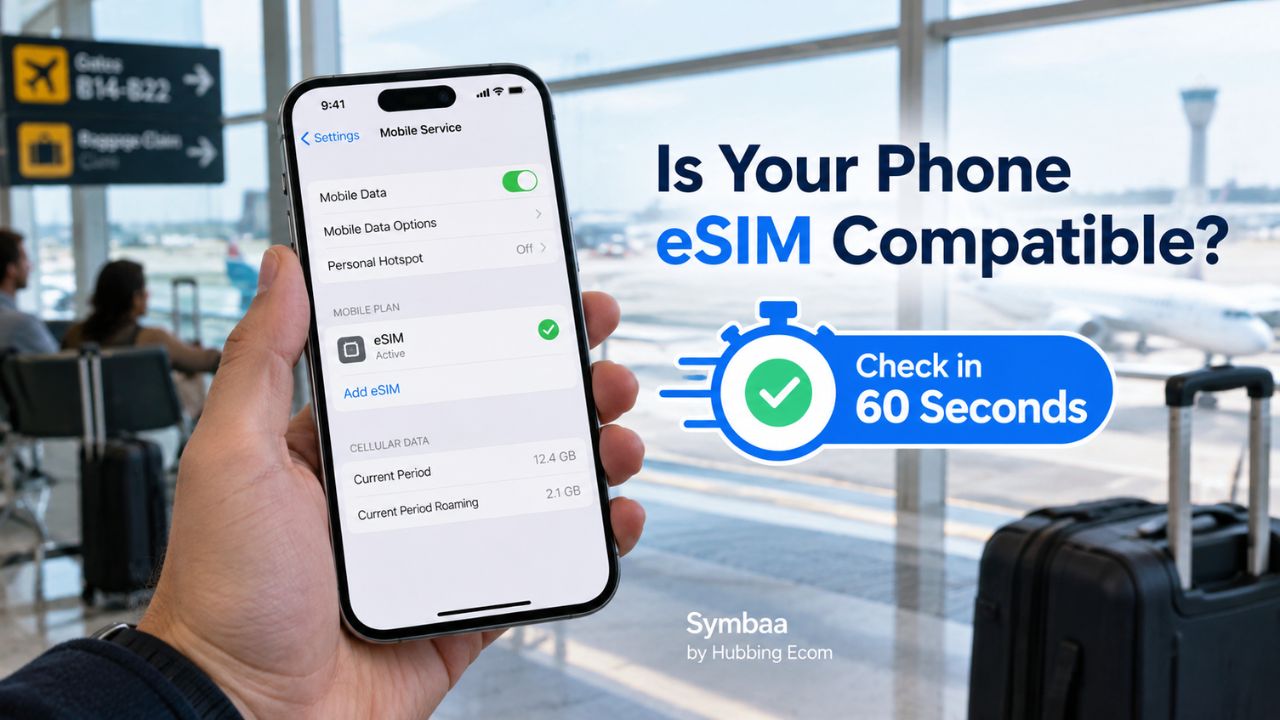
Travel eSIMs simplify mobile data, yet compatibility varies by model, region, and network lock. Therefore, answer is my phone esim compatible before buying any plan. This guide explains how to check esim compatibility quickly. It also helps you check esim compatibility phone settings confidently.
Open SIM settings and find “Add eSIM” or “Download a SIM.” Next, dial *#06#. Then, find an EID. Also, confirm your phone shows no carrier lock. These checks answer does my phone support esim more reliably than its model name alone.
Check | Where to look | Positive sign | Next action |
SIM menu | Mobile or cellular settings | Add eSIM appears | Confirm EID |
EID | *#06# or About | EID appears | Check unlock status |
Network lock | About or carrier support | No restrictions | Choose a plan |
Exact variant | Manufacturer specifications | Region supports eSIM | Install before travel |
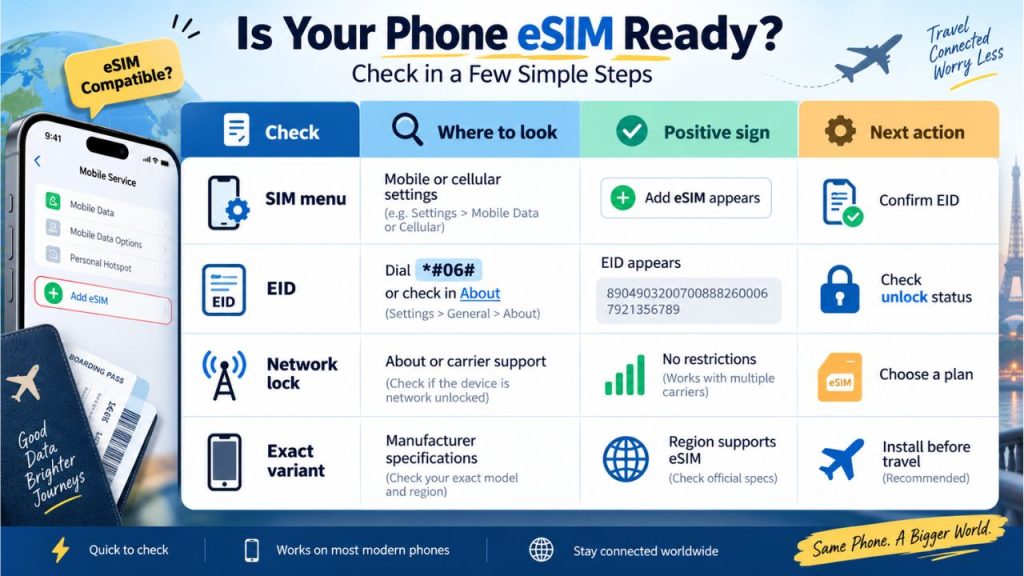
A compatible model can still lack service because regional versions differ. Likewise, carrier locks may block another provider’s profile. Checking phone esim compatibility prevents wasted purchases and last-minute airport stress. Moreover, it answers how to tell if my phone has an eSIM before departure.
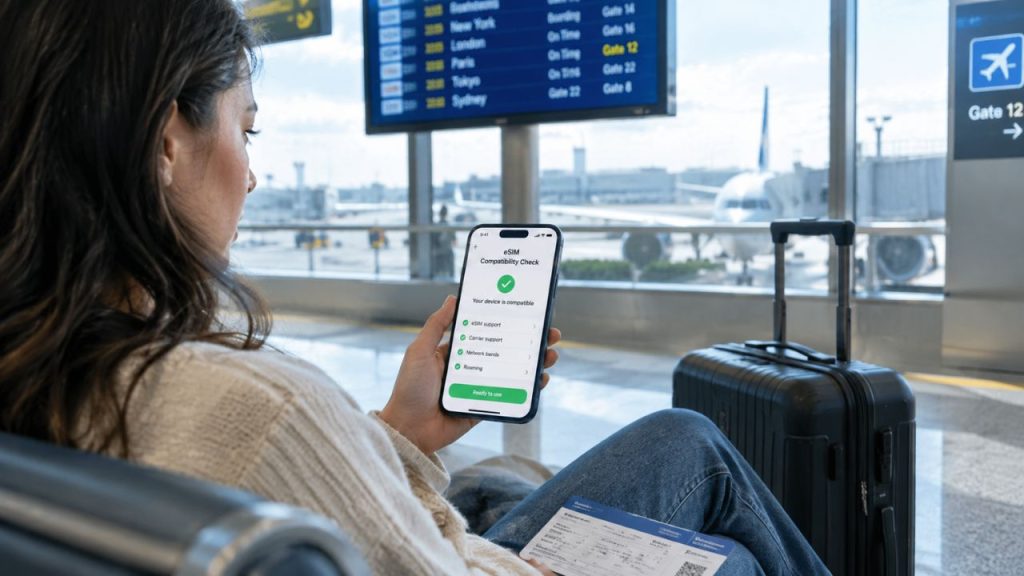
Settings provide the fastest answer because they test your actual handset. First, update its operating system and connect to reliable WiFi. Then, follow the matching path below. This method helps anyone asking is my phone esim compatible or does my phone support esim today.
Open Settings, tap Cellular or Mobile Service, then select Add eSIM. If that option appears, your phone contains eSIM controls. Next, open Settings, General, and About. Apple places the EID there on supported units, although important market-specific exceptions still apply.
Many travelers ask, is iPhone 12 esim compatible? Yes, standard iPhone 12 models support one active eSIM alongside nano-SIM. However, always inspect the exact handset. Also, check Carrier Lock under About. “No SIM Restrictions” means another provider can normally supply service.
Android menus vary. Therefore, search Settings for “SIM,” “eSIM,” or “mobile plan.” For Samsung, open Connections and SIM manager. Then, choose Add eSIM. On Pixel, open Network and Internet, SIMs, Add SIM, then Set up eSIM. These paths show how to check esim compatibility on Android.
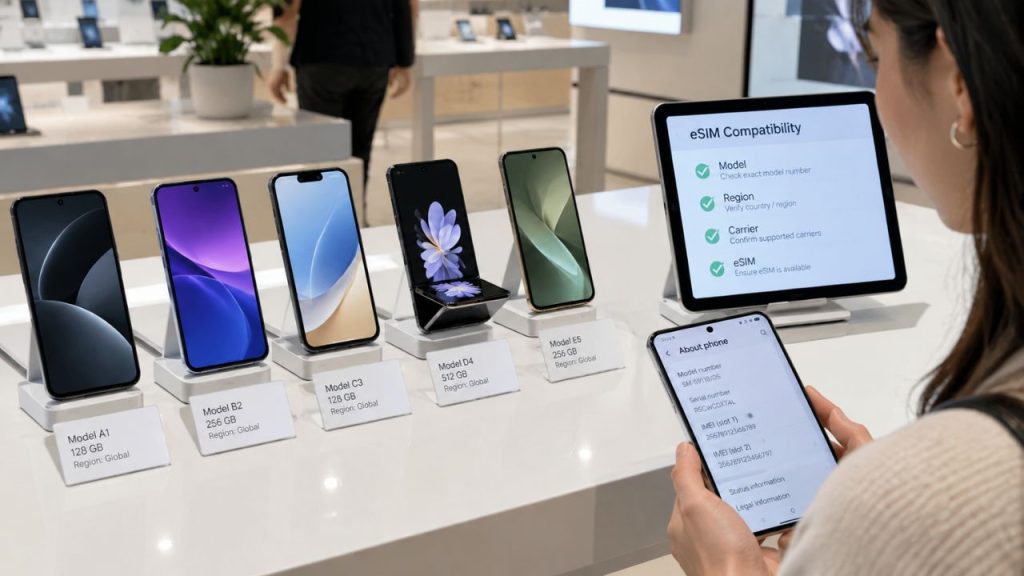
For Samsung Galaxy S21 eSIM support, Samsung lists S21, S21+, and S21 Ultra models. Nevertheless, country and carrier variants can differ. Therefore, use SIM manager on your actual phone. This direct phone esim compatibility test offers stronger evidence than a retailer’s broad eSIM compatible phones list.
Open the dialer and enter *#06#, including both stars. Your phone should display identification numbers automatically. Look for EID, the unique identifier used by eSIM hardware. Google confirms that an eSIM phone needs an EID, while Apple also lists EID under About.
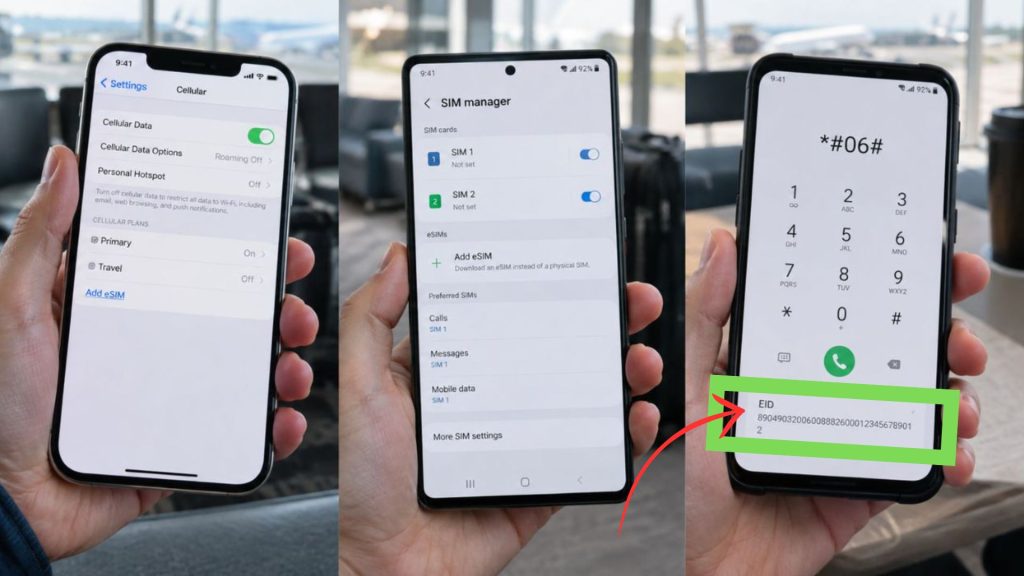
An eSIM-ready phone may reject a travel plan when a carrier lock remains. On iPhone, open Settings, General, About, and Carrier Lock. Apple says “No SIM Restrictions” identifies an unlocked iPhone. Otherwise, ask the original carrier to unlock phone for esim activation.
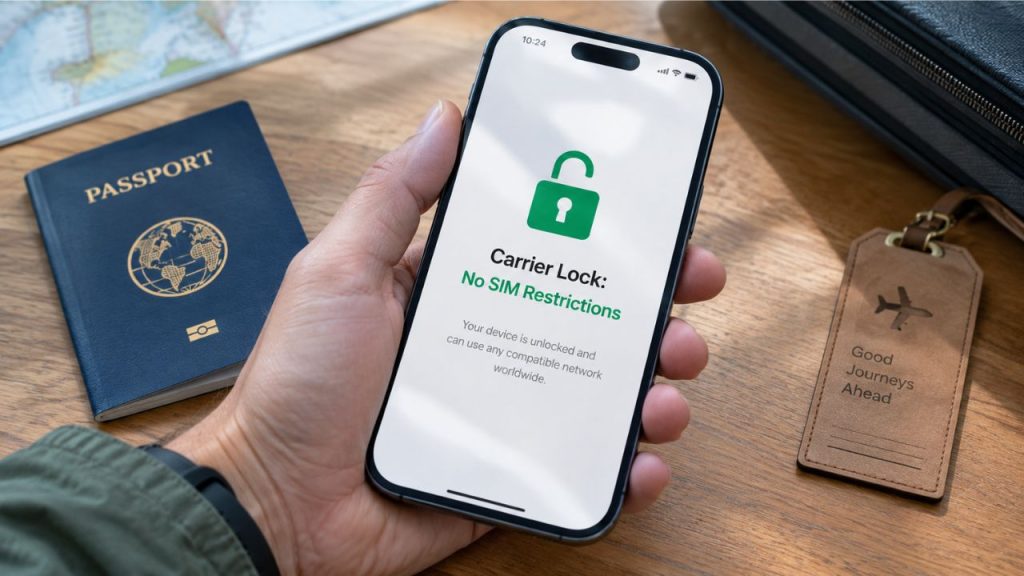
Manufacturer lists help confirm model families, but they cannot replace checking your unit. Apple supports eSIM on iPhone XS, XS Max, XR, and later models. However, mainland China, Hong Kong, and Macao have important exceptions. Therefore, verify purchase region and model number.
Samsung publishes a list of eSIM compatible phones 2026 across several Galaxy ranges. Yet Samsung warns that origin country affects support. Consequently, treat every eSIM compatible phones list as a starting point. Always complete a direct phone esim compatibility check.
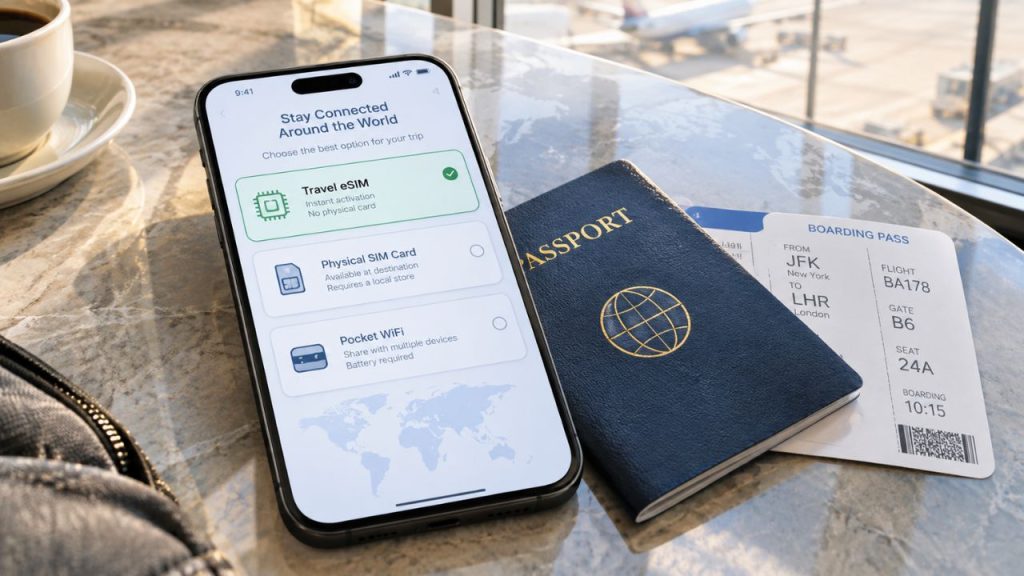
After compatibility checks, compare convenience, group size, charging needs, and device sharing. eSIM vs Pocket WiFi for Travel favors eSIM when one traveler wants direct phone data. Conversely, pocket WiFi can serve several devices. However, it adds hardware, charging, collection, and return responsibilities.
Need | eSIM | Pocket WiFi | Physical data card |
Compatible unlocked phone | Excellent fit | Works independently | Needs SIM slot |
Several shared devices | Hotspot may work | Strong option | Hotspot may work |
No extra hardware | Yes | No | Yes |
Unsupported eSIM phone | No | Yes | Often suitable |
Fast digital delivery | Usually | Device collection needed | Delivery needed |
The eSIM vs physical SIM for travel decision depends on hardware and convenience. An eSIM avoids card swapping, while a physical card supports many older phones. Additionally, dual SIM vs eSIM devices can preserve a home number. Users should disable home-line data to avoid unwanted roaming.
Purchase a suitable plan only after every check passes. Then, save the QR code on another screen or print it. For how to activate esim on iPhone, open Add eSIM and scan the code. Next, label the line, select travel data, and follow provider instructions.
Samsung users can open SIM manager, choose Add eSIM, and scan the provider’s QR code. Pixel users can choose Set up an eSIM and follow onscreen steps. Moreover, install before departure when allowed. However, activate according to the plan’s stated validity rules.
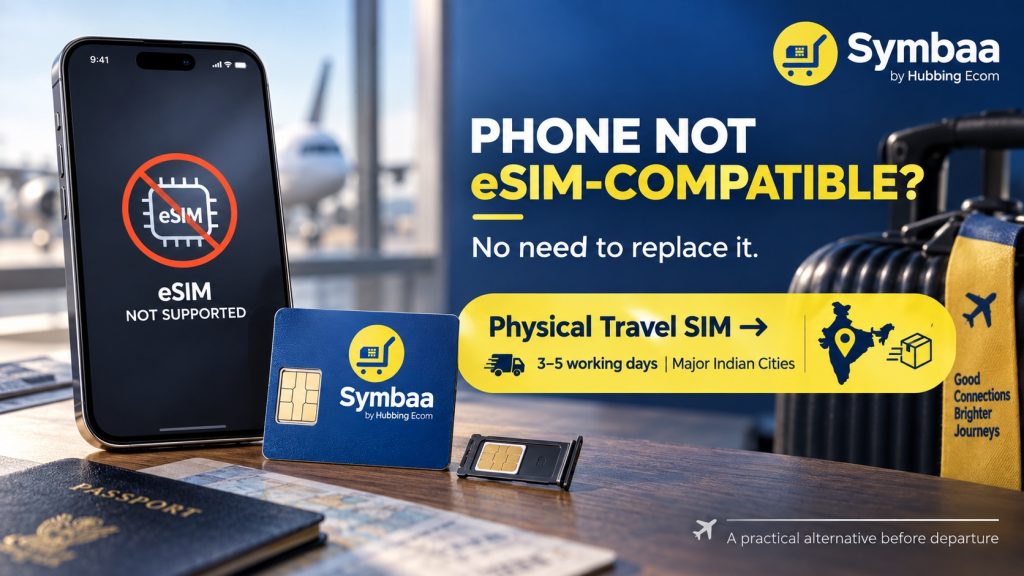
Do not replace a reliable phone only for eSIM. Instead, use a physical travel data card with an unlocked SIM slot. Hubbing Ecom offers cards for unsupported phones with delivery in major Indian Cities 3-5 working days. Thus, eSIM vs Pocket WiFi for Travel has another practical alternative before departure.
Complete four checks: find Add eSIM, confirm EID, verify unlock status, and match the exact variant. This process answers is my phone esim compatible and how to check esim compatibility. Moreover, it helps you check esim compatibility phone details before spending money or leaving home.
Once confirmed, choose affordable travel data that matches your route and usage. Buy Hubbing Ecom plans through hubbingecom.com or the Symbaa application. Moreover, Symbaa by Hubbing application helps travelers purchase, choose, manage usage and recharge status. Physical Data Cards remain available for phones without eSIM support.
1. Is my phone eSIM compatible?
Open SIM settings and look for Add eSIM. Then, dial *#06# and find an EID. Also, confirm the phone accepts other networks. These checks answer is my phone esim compatible better than model lists. They especially help with imported or carrier-issued devices.
2. Does my phone support eSIM?
Your phone likely supports eSIM when settings show Add eSIM and About shows an EID. However, activation also requires an unlocked device and provider support. Therefore, answer does my phone support esim using the handset and exact model. Check its purchase region and current software.
3. How do I check eSIM compatibility?
First, inspect SIM settings for an eSIM option. Next, verify the EID through About or *#06#. Finally, confirm unlock status and provider acceptance. This sequence explains how to check esim compatibility quickly. Moreover, it avoids assumptions based only on the model family.
4. Can I check compatibility through settings?
Yes. iPhone users should open Cellular or Mobile Service. Meanwhile, Samsung users should open Connections and SIM manager. Pixel users should open Network and Internet, then SIMs. This check esim compatibility phone approach tests the device directly and takes less than one minute.
5. What does an EID prove?
An EID identifies the embedded SIM component required for remote profile management. Therefore, finding one strongly suggests eSIM hardware exists. Still, it does not prove the phone is unlocked. It also cannot guarantee that every provider supports that model, region, or software version.
6. Is iPhone 12 compatible with eSIM?
Yes, Apple lists every iPhone 12 model with single eSIM support. Most versions combine nano-SIM and eSIM. However, regional differences can affect configuration. Therefore, anyone asking is iPhone 12 esim compatible should still check Add eSIM, EID, and Carrier Lock.
7. Does Samsung Galaxy S21 support eSIM?
Samsung lists the Galaxy S21, S21+, and S21 Ultra among supported devices. However, support can vary by origin country and carrier. Consequently, confirm Samsung Galaxy S21 eSIM support through SIM manager. Also, verify the exact model code before purchasing travel data.
8. Is Google Pixel 6 eSIM compatible?
Yes, Google says Pixel 4 and later phones work with eSIM. Therefore, the Google Pixel 6 eSIM compatible answer is yes in normal supported conditions. Still, verify Add SIM, EID, software, carrier lock, and provider support on your precise handset.
9. How do I check eSIM on Android?
Search Settings for eSIM, SIM manager, or mobile plan. Then, look for Add eSIM or Download SIM. Also, check About Phone for EID. This process covers how to check esim compatibility on Android. However, menu wording varies across brands and software versions.
10. Must my phone be unlocked?
A travel profile from another network usually requires an unlocked phone. Therefore, check before purchase. Ask the carrier to unlock phone for esim activation when restrictions remain. Then compare travel eSIM providers for unlocked phone offers. However, unlocking cannot add missing eSIM hardware.
11. Can dual SIM and eSIM work together?
Yes, many phones combine a physical SIM and eSIM. Some newer devices can activate two eSIMs simultaneously. Thus, dual SIM vs eSIM devices describes configurations, not opposing technologies. Travelers can often keep a home line while assigning mobile data to the travel line.
12. How does iPhone dual SIM work?
Supported iPhones can combine nano-SIM with eSIM, while newer models support two active eSIMs. Therefore, iPhone dual SIM vs eSIM depends on the model. Users can keep their home number active while selecting a separate travel plan for mobile data abroad.
13. Is eSIM better than physical SIM?
Neither option wins every trip. eSIM offers digital installation and avoids card swapping. Conversely, physical SIM supports many older phones. Therefore, eSIM vs physical SIM for travel depends on compatibility, delivery, and SIM-slot access. Also, consider whether you need your home card.
14. eSIM vs Pocket WiFi for Travel: Which is better?
For one compatible phone, eSIM usually feels simpler because no extra device needs charging. For groups, pocket WiFi may share one connection easily. Therefore, eSIM vs Pocket WiFi for Travel depends on traveler count and hotspot needs. Battery planning and supported hardware also matter.
15. Can I hotspot from a travel eSIM?
Many travel plans allow tethering, although provider rules differ. Therefore, inspect each plan before purchase. Also, remember that laptops and companions can consume data quickly. Consequently, choose enough allowance and monitor usage through available controls. Symbaa supports usage management for suitable Hubbing Ecom plans.
16. When should I install my eSIM?
Install before departure when the plan rules permit it. Reliable home WiFi makes QR scanning and troubleshooting easier. However, some plans start validity during installation, while others start after network connection. Therefore, read activation terms first and avoid starting the plan earlier than necessary.
17. Can I keep my home number active?
Yes, dual-SIM phones can often keep the home line active alongside travel data. However, disable data roaming on the home line. Then, select the travel eSIM for mobile data. This setup can preserve calls, messages, and verification codes while controlling roaming exposure.
18. What should I compare before buying?
Compare countries, local networks, data allowance, validity, hotspot rules, activation timing, and support. Additionally, check whether top-ups exist. Good international eSIM travel plans match the itinerary. They never promise one universal best eSIM for travel 2026solution. Clear terms matter as much as an attractive headline price.
19. Where can I buy a travel eSIM?
Travelers can purchase through hubbingecom.com or the Symbaa application. The application offers easier visibility for usage and recharge management. Therefore, check compatibility first, then select an affordable plan for the destination. Always confirm that the unlocked handset accepts the chosen network profile.
20. What can Symbaa users manage?
Symbaa users can purchase supported travel data plans and manage usage with clearer plan visibility. Hubbing Ecom also provides physical data cards for unsupported phones. Therefore, travelers can choose digital convenience or physical compatibility. Both options keep one travel-connectivity brand throughout their journey.
A visible Add eSIM option, EID, unlock status, and provider match confirm phone esim compatibility. Therefore, use this check esim compatibility phone routine before browsing any eSIM compatible phones list. Then, choose Symbaa travel data or a Hubbing Ecom Physical Data Card. Match either option to your handset and trip.
Subscribe to our YouTube channel and follow us on Instagram for more updates.
You may like reading similar Blogs
Is eSIM signal strength the same as a Physical SIM?
12 Factors That Effect Your Data Speed On Foreign Trip
Why you should use eSIM and Wi-Fi Map in conjunction? On your international trip..
Can an eSIM and Physical SIM have the same number?
Can i change the APN Settings?
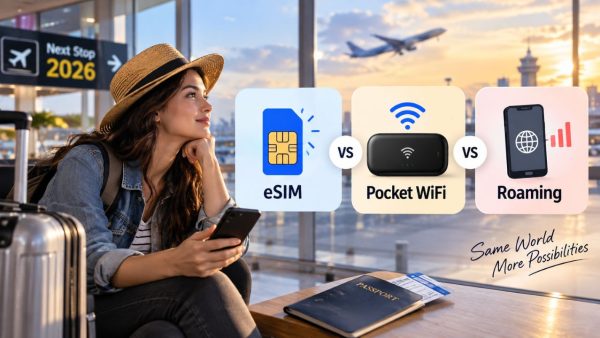
eSIM vs Pocket WiFi vs International Roaming: Which Is Best for Your Trip in 2026?
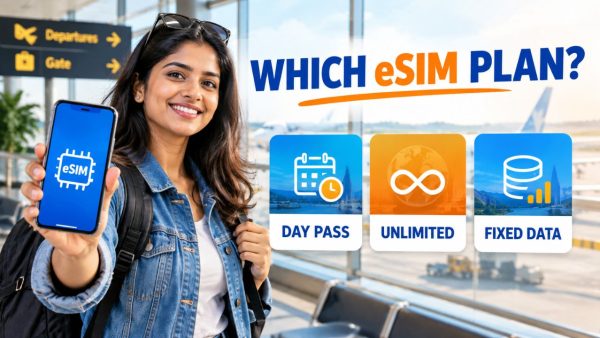
Day Pass, Unlimited or Fixed Data eSIM: Which Plan Is Best for Your Trip?
How to check eSIM Data usage on iPhone?
Complete eSIM Troubleshooting Guide — Why It’s Not Working & How to Fix It
Best eSIM for Indian Travelers Going Abroad: Complete 2026 Guide
eSIM for Family Travel: How to Connect Multiple Devices Without Overpaying
How to Keep Your WhatsApp Number Active While Using a Travel eSIM
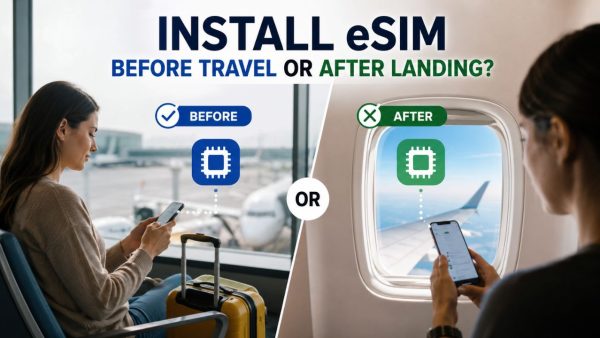
Should I Install My eSIM Before Travel or After Landing? The Complete Answer
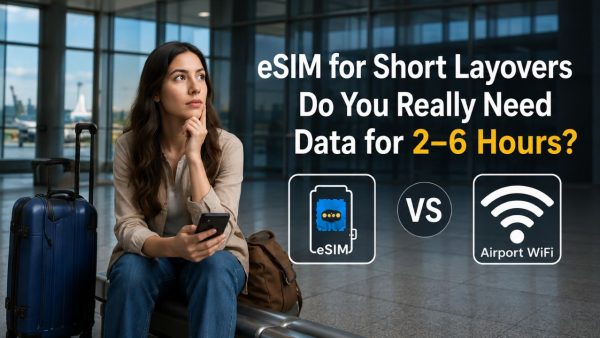
eSIM for Short Layovers and Airport Transit: Do You Really Need Data for 2–6 Hours?
About the Author
Swatantra Ranjan is a telecom professional with over 15 years of experience in the global telecommunications industry having worked in India & Dubai, specializing in eSIM solutions, voice services, SMS, international roaming, Direct Inward Dialing (DID) numbers, virtual numbers, and sales/services experience in B2C/B2B banking industry. Having traveled to more than 20 countries, he combines deep technical expertise with firsthand international travel experience to create practical, accurate, and trustworthy content on global connectivity, mobile technology, and travel communications. His articles help travelers, businesses, and telecom professionals make informed decisions about staying connected efficiently and securely across the world. Check out LINKEDIN Profile

Leave a comment